

Workspaces & Companies
Workspaces & Companies
Section titled “Workspaces & Companies”Workspaces and companies form the organizational hierarchy of CryptaCount. Understanding this structure is essential for setting up your accounting workflow correctly.
Organizational Hierarchy
Section titled “Organizational Hierarchy”CryptaCount uses a three-level hierarchy:
Company → Workspace → Entities (Wallets, GL Accounts, Accounting Periods, Transactions, External Wallets, etc.)A company is the top-level legal entity. Each company contains one or more workspaces, and each workspace contains the actual accounting data — wallets, transactions, journal entries, reports, and settings. Most entities are workspace-scoped.
Companies
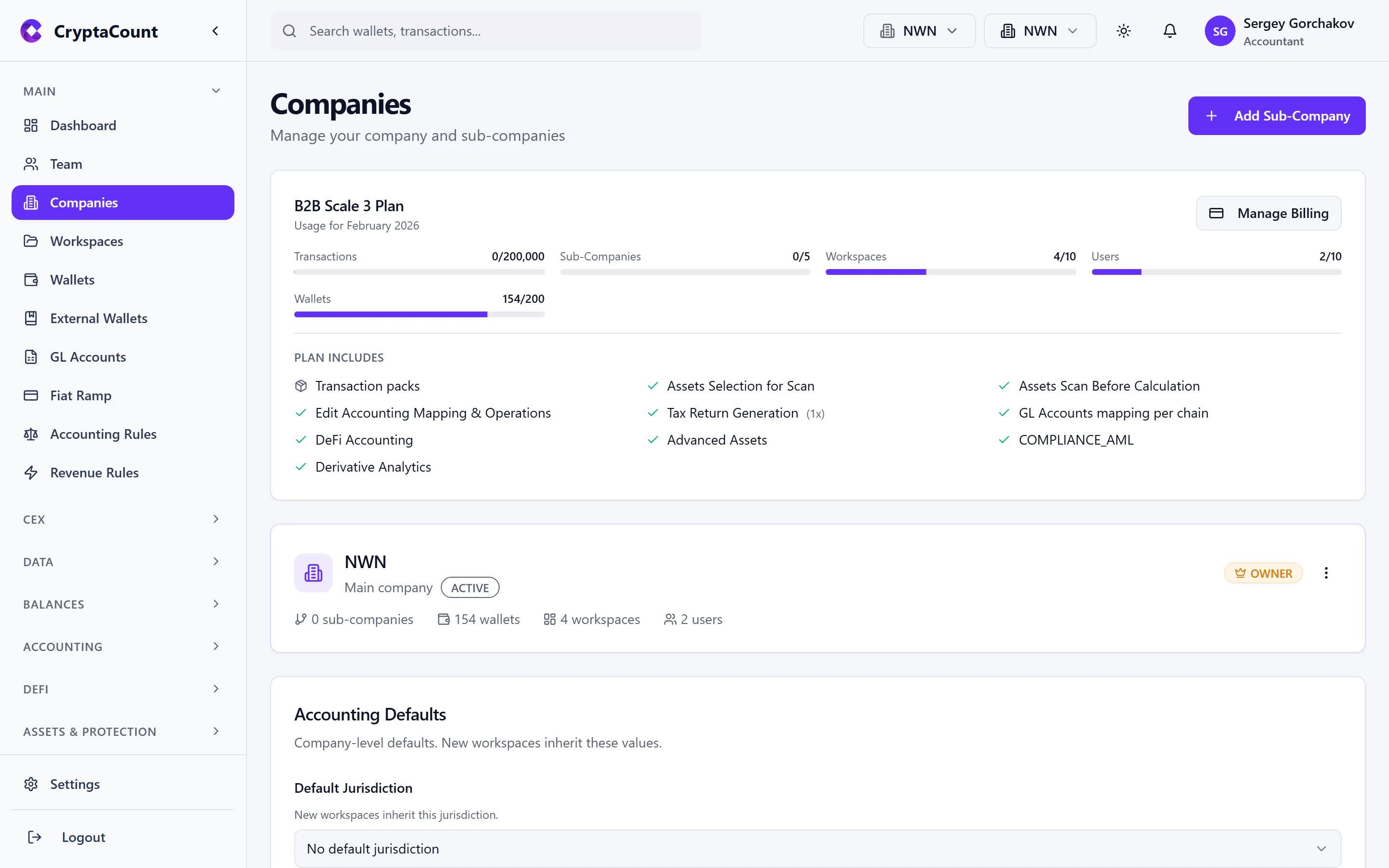
Section titled “Companies”Manage companies under Companies in the sidebar. Each company represents a legal entity in the system.
Creating a Company
Section titled “Creating a Company”Click Add Company and provide:
- Company name — The legal entity name
- Jurisdiction — Determines which tax profile rules apply. Select from 73 available jurisdictions.
- Registration number — Optional, for reference and reporting
- Accounting defaults — Set default cost basis method, base reporting currency, and reporting period
Company Roles
Section titled “Company Roles”Access within a company is controlled by company-level roles:
| Role | Can do |
|---|---|
| OWNER | Everything — billing, deletion, all settings |
| MANAGER | Manage workspaces, team members, and settings. Cannot delete the company or manage billing. |
| MEMBER | Work with data — transactions, reports, assets. Cannot invite team or change settings. |
| VIEWER | Read-only access to all company data |
Company Tree
Section titled “Company Tree”Companies support a parent-child structure via the company tree. Sub-companies can be created for group structures where multiple legal entities roll up to a parent.
Workspaces
Section titled “Workspaces”Manage workspaces under Workspaces in the sidebar. A workspace is the primary container for accounting data within a company.
Creating a Workspace
Section titled “Creating a Workspace”Each workspace belongs to a company. When creating a workspace, you specify:
- Workspace name — Descriptive label for this set of books
- Company — Which company this workspace belongs to
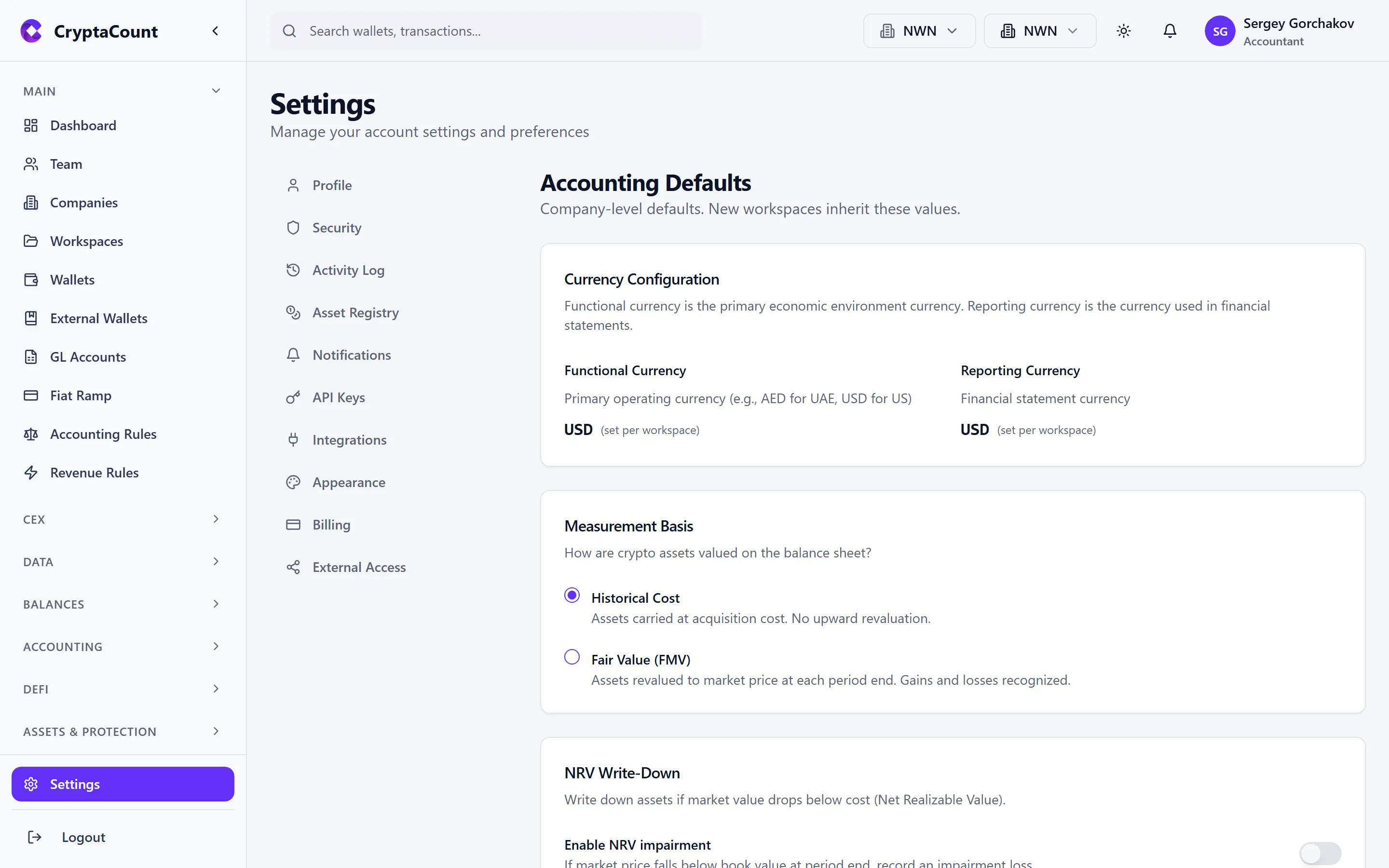
- Accounting settings — Can inherit from the company or override:
- Default cost basis method (Historic FIFO, Historic Weighted Average, FMV, NRV + FIFO, NRV + Weighted Average, LIFO, HIFO, Specific Identification)
- Base reporting currency (EUR, USD, GBP, CHF, etc.)
- Reporting period (calendar year or custom fiscal year)
Workspaces can be duplicated for creating similar setups quickly.
Workspace Accounting Settings
Section titled “Workspace Accounting Settings”Configure workspace-level accounting under Settings → Workspace Accounting:
- Default cost basis method
- Base currency
- Fiscal year settings
- Accounting rules and policies
Workspace Roles
Section titled “Workspace Roles”Access within a workspace is controlled by workspace-level roles:
| Role | Can do |
|---|---|
| OWNER | Everything — workspace deletion, ownership transfer |
| MANAGER | Manage wallets, team, settings. Cannot delete workspace. |
| MEMBER | Work with transactions, reports, assets |
| VIEWER | Read-only access |
When to Create Multiple Workspaces
Section titled “When to Create Multiple Workspaces”Accounting firms (Practice users): One workspace per client engagement provides complete data isolation between clients. Manage all clients from Practice → Clients.
Multi-entity businesses: One workspace per business unit or entity. Different jurisdictions and accounting methods per workspace.
Separate books: Different workspaces for DeFi operations vs. treasury vs. trading — then consolidated at the company level.
Practical Setup Examples
Section titled “Practical Setup Examples”Example 1: Accounting Firm with Three Clients
Section titled “Example 1: Accounting Firm with Three Clients”Company: "Smith & Partners Crypto Practice"├── Workspace: "Client A — TechCorp GmbH" (Germany, Historic FIFO)├── Workspace: "Client B — InvestCo SAS" (France, Historic Weighted Average)└── Workspace: "Client C — NodeOps Ltd" (Luxembourg, Historic FIFO)Each workspace has its own wallets, transactions, and reports. The firm manages all clients from the Practice portal.
Example 2: Corporate Group
Section titled “Example 2: Corporate Group”Company: "Acme Holdings Ltd" (Luxembourg)├── Workspace: "Acme Trading" (Delaware, USA — Historic FIFO)├── Workspace: "Acme DeFi Operations" (Luxembourg — FMV)└── Workspace: "Acme Asia Treasury" (Singapore — Historic Weighted Average)Different jurisdictions, potentially different cost basis methods, unified at the company level.
Example 3: Solo Business
Section titled “Example 3: Solo Business”Company: "MyCompany Ltd" (UK)└── Workspace: "Main Books" (Historic FIFO)Simple structure for a single-entity business managing its own crypto accounting.