

Asset Management
The Asset Registry provides a catalog of every token and coin discovered across your connected wallets, with tools for classification, spam management, and per-asset configuration.
Asset Registry
Section titled “Asset Registry”Navigate to Settings → Asset Registry to view and manage all discovered assets. Each entry shows:
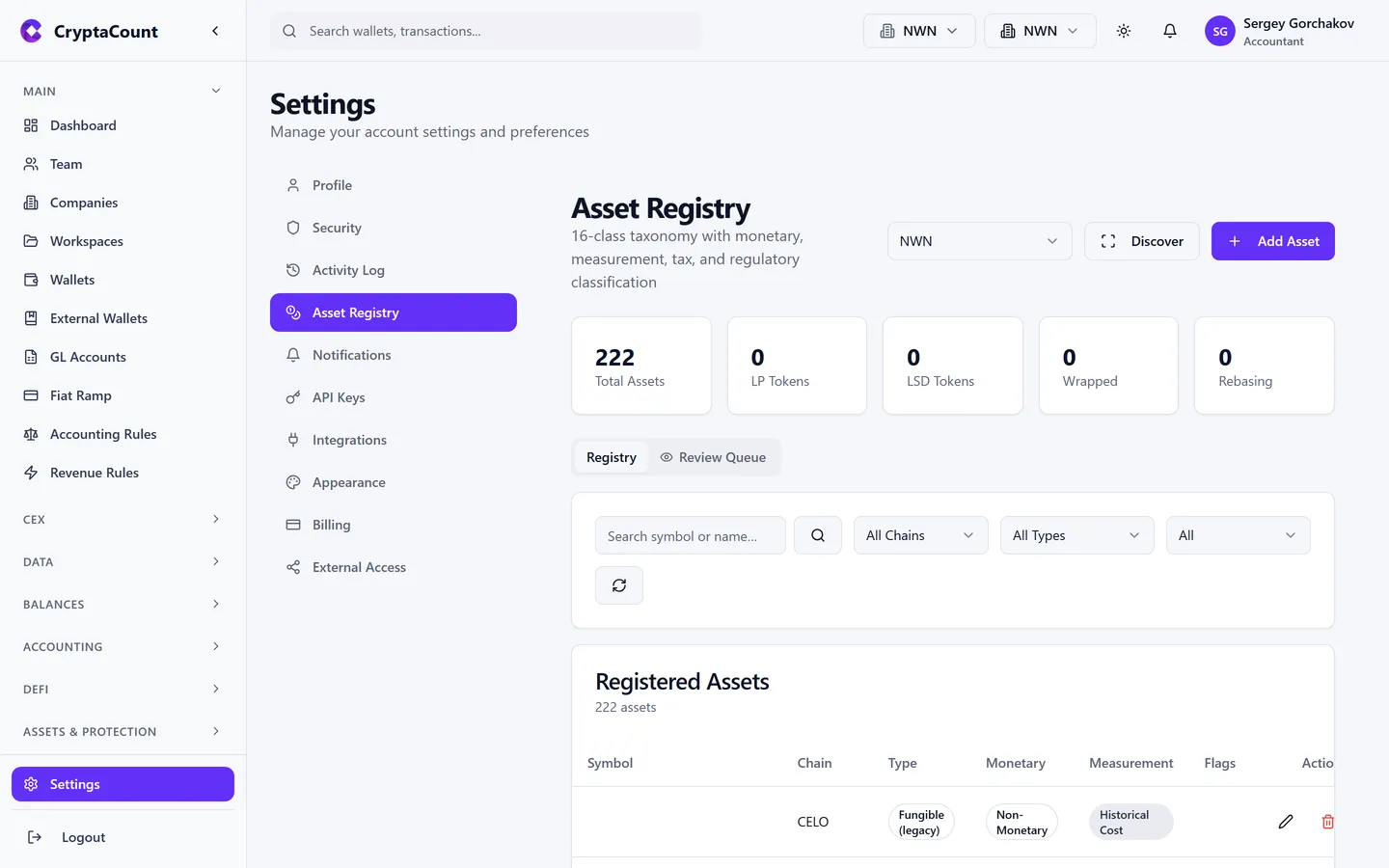
- Name and symbol (e.g., “Ethereum — ETH”)
- Chain (which blockchain network)
- Contract address (for tokens; native coins don’t have one)
- Classification (native token, ERC-20, stablecoin, NFT, LP token, wrapped)
- Total quantity held across all wallets
- Current FMV
- Spam status (clean, flagged, or manually overridden)
Asset Actions
Section titled “Asset Actions”From the asset registry you can:
- Search and filter assets
- View asset statistics
- Review asset queue — assets needing classification review
- Bulk classify assets
- Manage spam status
Spam Token Management
Section titled “Spam Token Management”CryptaCount automatically flags suspected spam tokens:
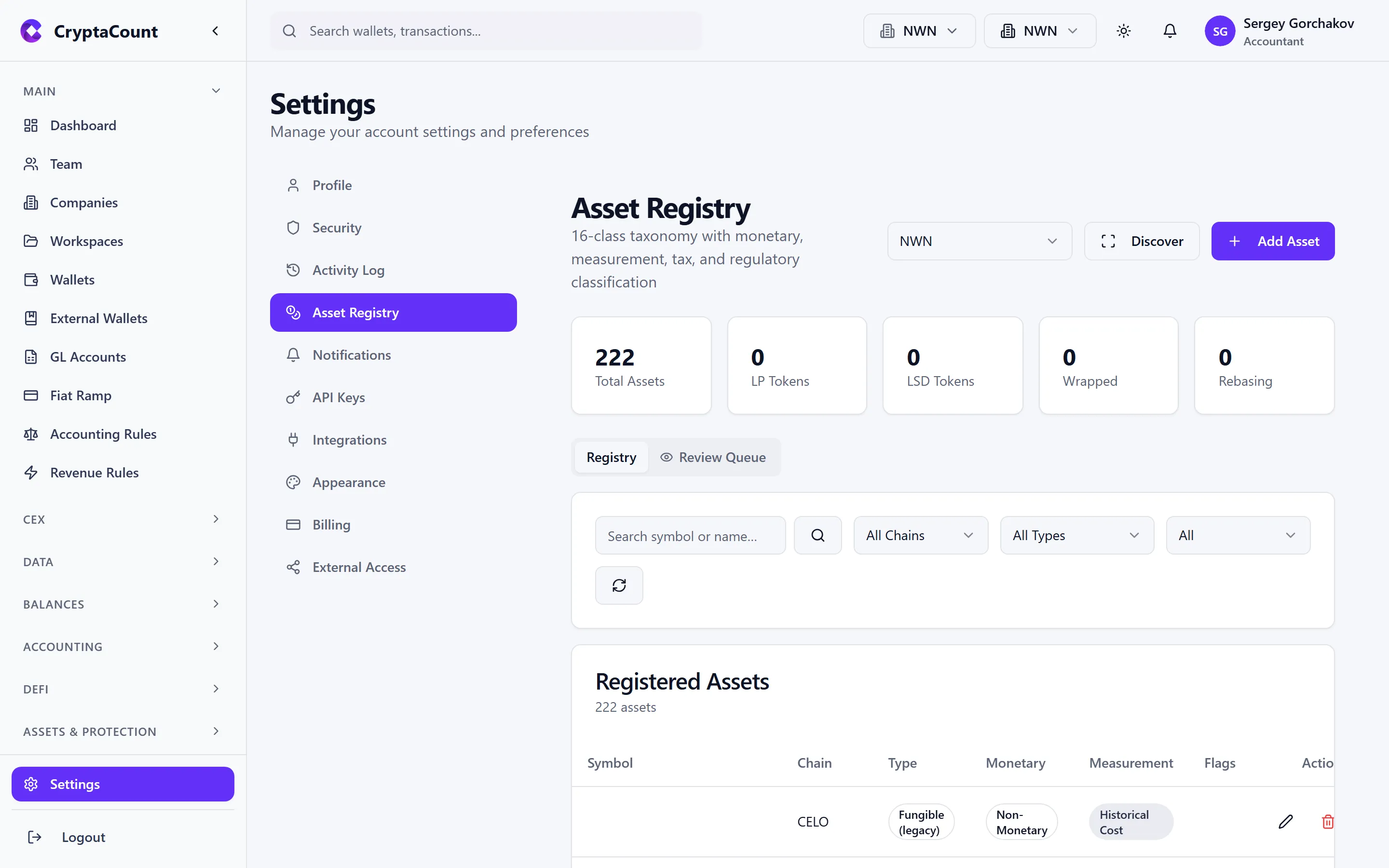
Detection methods:
- Heuristic scoring — Tokens scored on contract age, holder count, liquidity depth, transfer patterns, and metadata quality
- Homoglyph detection — Token names checked for Unicode look-alike attacks (e.g., “USDC” using Cyrillic characters)
- Platform-wide spam list — Maintained spam asset database
Managing spam:
- Flagged tokens are hidden by default from portfolio views, dashboards, and reports
- Toggle visibility — Use “Show spam tokens” to see everything
- Override status — Mark legitimate tokens as “Not spam” or manually flag missed spam
- Spam tokens remain in data — Hidden, not deleted. Unflagging restores them to all views
Per-Asset Settings
Section titled “Per-Asset Settings”Click any asset to configure:
- Cost basis method override — Set a specific method, overriding asset class and workspace defaults (Level 1 in the three-level hierarchy)
- Asset class assignment — Change automatic classification
- Custom labels/tags — Organize assets (e.g., “DeFi”, “Staking”, “Treasury”)
- Visibility — Hide from default views without marking as spam
Advanced Asset Types
Section titled “Advanced Asset Types”Available on qualifying plans, specialized asset management modules include:
| Sidebar Label | Feature |
|---|---|
| NFT | NFT portfolio — mint, sale, transfer, burn, collection, disposal tracking |
| RWA | Real-World Assets — management, NAV tracking, income recording |
| Funds | Fund management — series, investors, transactions, NAV, management/performance fees |
| Custody | Custody dashboard — institutional custody connections, vaults, approval workflows |
| Safe | Safe/Multisig wallet management — config, pending transactions, history |
| Restaking | Restaking positions — deposits, withdrawals, rewards, slashing |
| Token Migrations | Token migration tracking — detect and record migration events |
| Losses | Loss events and claims — lost/stolen assets, recovery tracking, forensic analysis |
NFT Accounting
Section titled “NFT Accounting”The NFT portfolio tracks:
- Minting events with gas and mint price as acquisition cost
- Sales with realized gain/loss calculation
- Transfers between wallets
- Burns as disposals
- Collection-level aggregation
Real-World Assets (RWA)
Section titled “Real-World Assets (RWA)”The RWA portfolio manages:
- Physical and tokenized real-world assets
- Net Asset Value (NAV) tracking
- Income from RWA holdings
Fund Management
Section titled “Fund Management”Fund management supports:
- Fund series and investor tracking
- Transaction recording and NAV calculations
- Management fee and performance fee computation
Custody Integration
Section titled “Custody Integration”Custody connects to institutional custody providers:
- Connections with testing
- Vault management
- Multi-signature approval workflows
- Auto-sync with custody providers
Additional Advanced Features
Section titled “Additional Advanced Features”Available on qualifying plans, additional modules provide:
| Sidebar Label | Feature |
|---|---|
| Governance | Governance locks, rewards, delegation, bribes |
| IBC Transfers | Cosmos IBC transfer tracking and denomination resolution |
| AVAX P-Chain | Avalanche P-Chain staking positions |
| L2 Fees | Layer 2 fee analysis by chain |
| Account Abstraction | Smart account operation support |
| Privacy | Privacy transaction tracking (shield/unshield) |
| MEV | MEV event analysis — flash loans, arbitrage, sandwich attacks |
| Insurance | Insurance policy and claim management |
| Fiat Accounts | Fiat account tracking |
| Performance | Performance metrics and snapshots |
| Proof of Reserves | Proof of reserves attestation generation |
Still need help?
Can't find what you're looking for? Our support team is here for you.
Evaluating CryptaCount for your firm? See pricing · Book a demo