

Wallets & Sources
Wallets & Sources
Section titled “Wallets & Sources”Wallets are the primary data source for CryptaCount. The platform distinguishes between internal wallets (owned by the entity) and external wallets (counterparties), and supports grouping and GL mapping per wallet.
Internal Wallets
Section titled “Internal Wallets”Manage internal wallets under Wallets in the sidebar. These are wallets owned or controlled by the entity being accounted for.
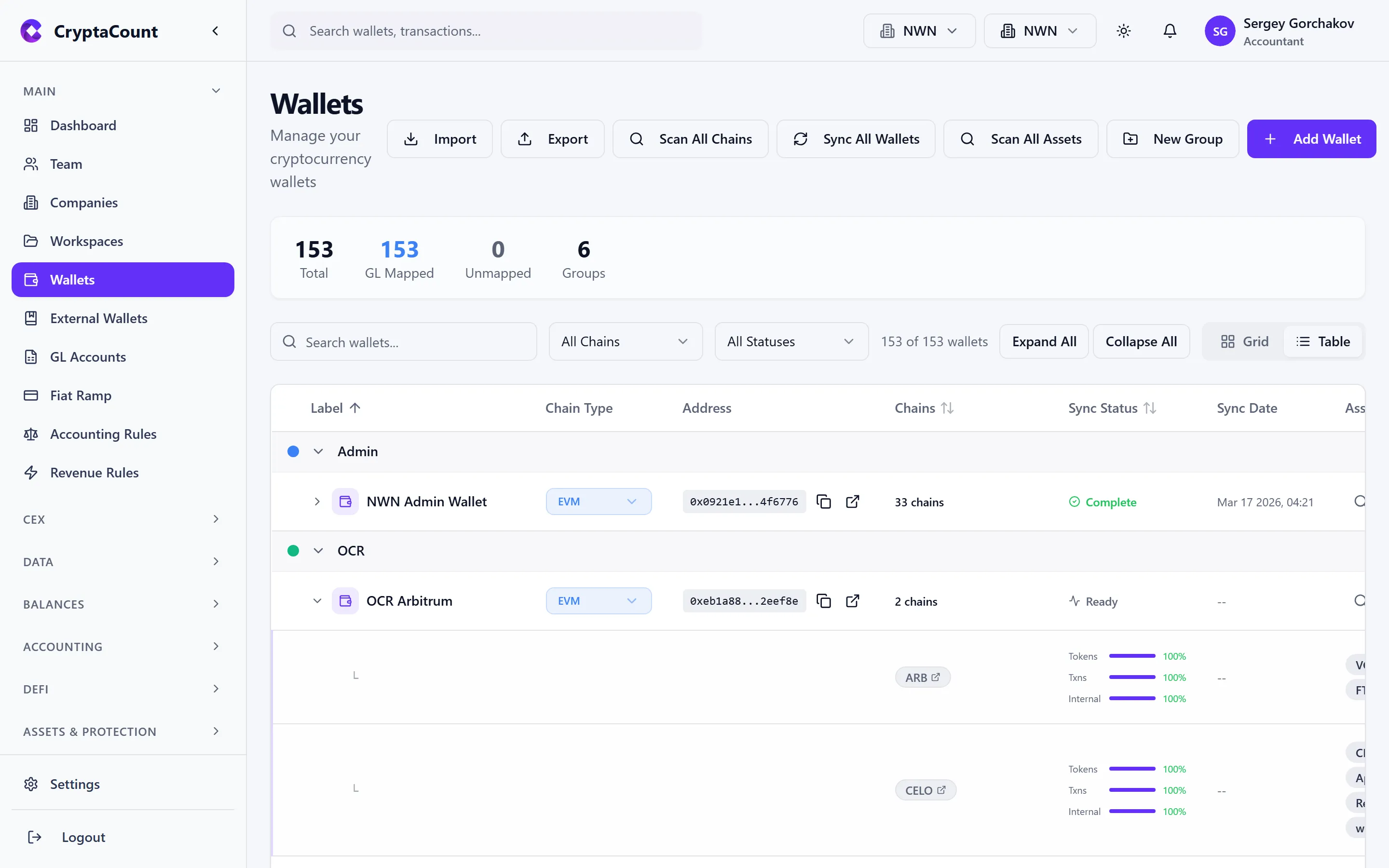
Each wallet shows:
- Wallet label (your custom name)
- Chain identifier and address type
- Address (truncated with copy button)
- Sync status and last sync timestamp
- GL account mapping
- Wallet group membership
Adding a Wallet
Section titled “Adding a Wallet”See the Connect a Wallet guide for the step-by-step walkthrough.
Supported Address Types (21 Types)
Section titled “Supported Address Types (21 Types)”| Address Type | Format | Examples |
|---|---|---|
| EVM | 0x... | Ethereum, Polygon, BSC, Arbitrum, Optimism, Base, Avalanche C-Chain, etc. |
| BITCOIN_LEGACY | 1... | Bitcoin P2PKH |
| BITCOIN_P2SH | 3... | Bitcoin Pay-to-Script-Hash |
| BITCOIN_SEGWIT | bc1q... | Bitcoin native SegWit |
| BITCOIN_TAPROOT | bc1p... | Bitcoin Taproot |
| SOLANA | Base58 | Solana |
| TRON | T... | TRON |
| XRP | r... | XRP Ledger |
| CARDANO | addr1... | Cardano |
| COSMOS | cosmos1... | Cosmos Hub, IBC chains |
| TON | Various | The Open Network |
| POLKADOT | SS58 | Polkadot relay chain + parachains |
| STELLAR | G... | Stellar |
| NEAR | account.near | NEAR Protocol |
| APTOS | 0x... | Aptos |
| SUI | 0x... | SUI |
| STARKNET | 0x... | StarkNet L2 |
| HEDERA | 0.0.xxxxx | Hedera |
| AVALANCHE_X | X-avax1... | Avalanche X-Chain |
| AVALANCHE_P | P-avax1... | Avalanche P-Chain |
| UNKNOWN | Various | Unrecognized format |
GL Mapping Per Wallet
Section titled “GL Mapping Per Wallet”Each wallet can be mapped to a GL account, controlling where its transactions post in the chart of accounts. Configure this from the wallet detail view or in bulk from the wallet list.
External Wallets
Section titled “External Wallets”Manage external wallets under Wallets → External. These represent counterparty addresses — wallets not owned by the entity but that appear in transaction data (e.g., exchange deposit addresses, vendor wallets, client addresses).
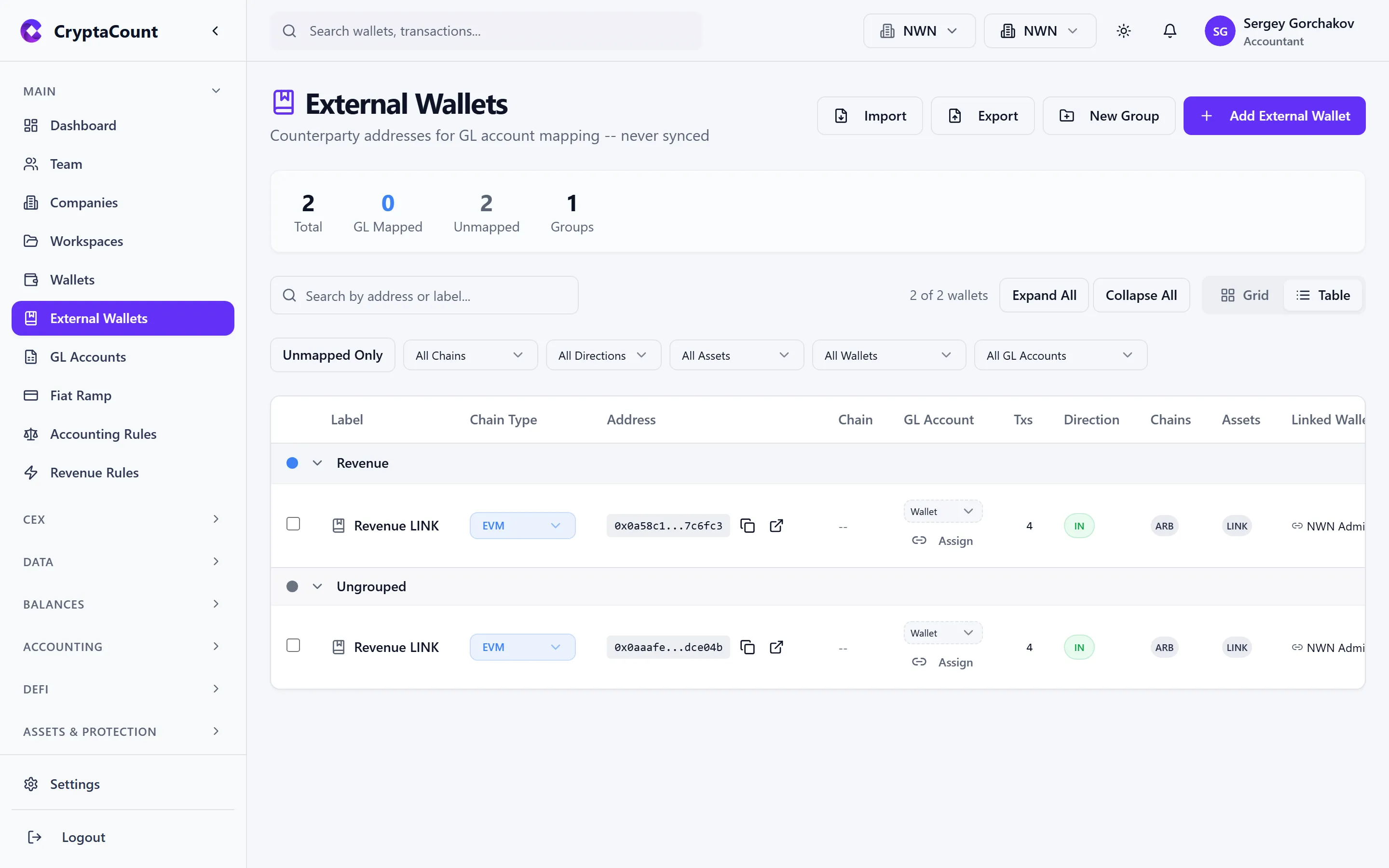
External wallets help with:
- Transaction classification — Knowing a counterparty address helps classify transfers correctly
- Reconciliation — Match incoming/outgoing transfers to known external parties
- Reporting — Label counterparties in reports instead of showing raw addresses
External wallets can be imported in bulk, assigned GL accounts, and organized into groups. You can also convert an external wallet to an internal wallet if ownership changes.
Scan Wallets
Section titled “Scan Wallets”The Scan Wallets feature discovers wallet addresses that appear in your transaction data but haven’t been explicitly added. This helps ensure completeness — you won’t miss a wallet that should be tracked.
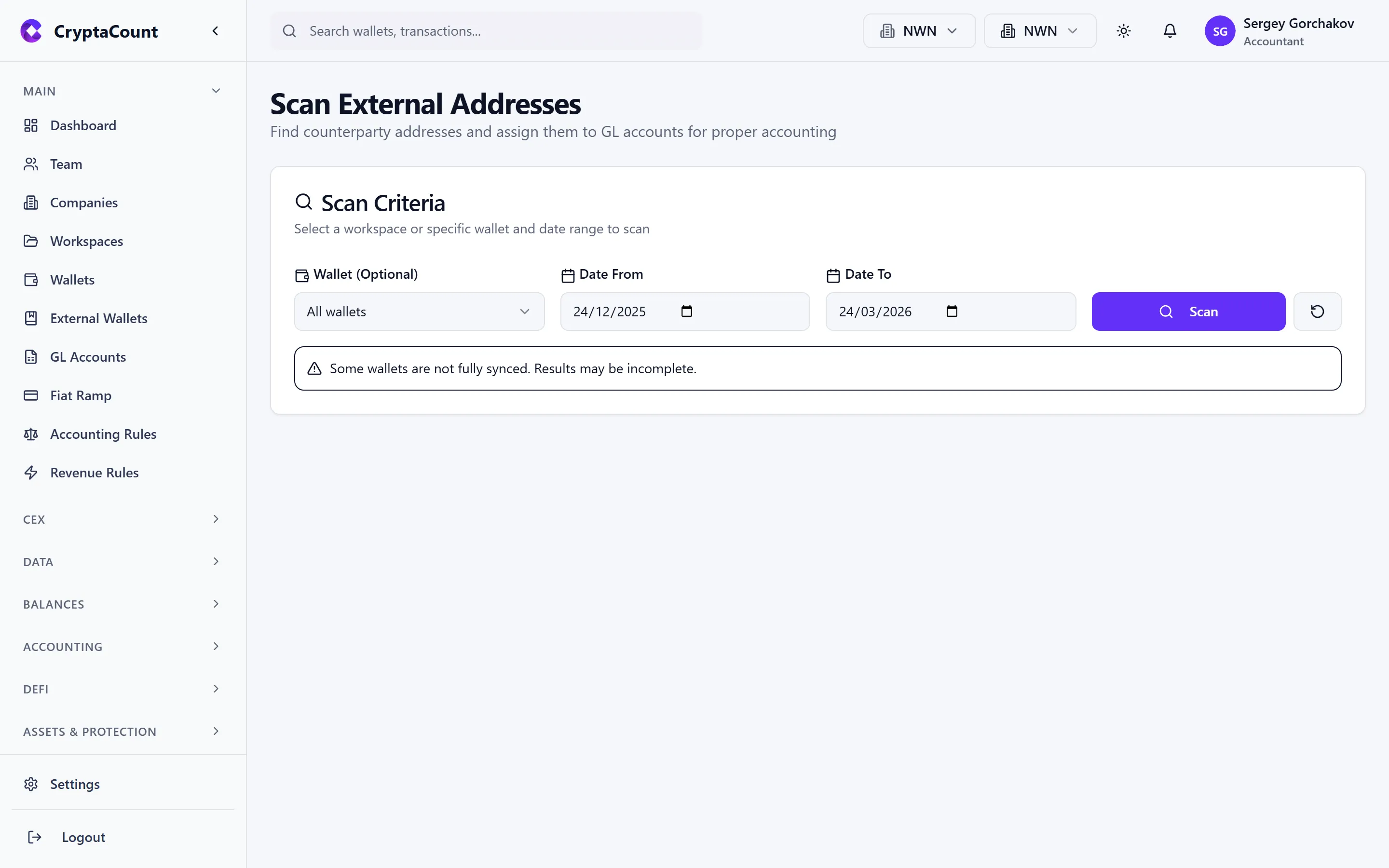
Additionally, Balances → Scan External scans for external addresses that should be added as external wallets for proper reconciliation.
Wallet Groups
Section titled “Wallet Groups”Wallet groups let you organize wallets into logical categories for reporting and management:
- By purpose: “Treasury”, “DeFi Operations”, “Staking”
- By entity: “TechCorp Wallets”, “InvestCo Wallets”
- By chain: “Ethereum Wallets”, “Bitcoin Wallets”
Groups can be reordered, and each group can be mapped to a GL account. Manage groups from the wallet list interface.
Wallet Detail View
Section titled “Wallet Detail View”Click any wallet to see its detail view:
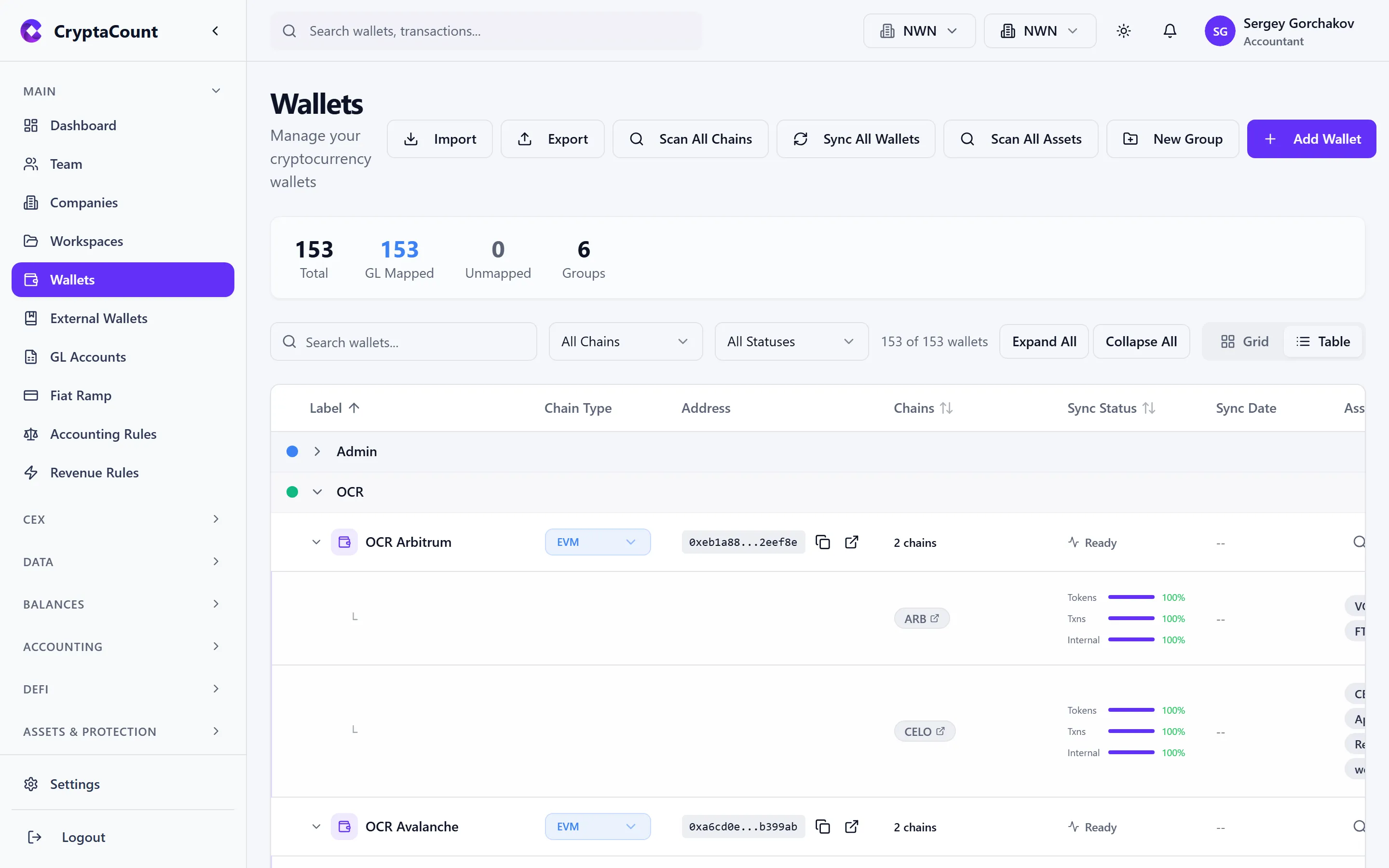
- Summary: Balance overview, sync status, last sync details, chain assets
- Transactions: All transactions for this wallet with filtering and classification tools
- Sync: Sync details including last processed block, sync progress per stream, and error logs
- GL Mapping: Which GL account this wallet’s transactions post to
- Initial Balances: Set opening balances for wallets that had existing positions before connecting
Removing a Wallet
Section titled “Removing a Wallet”To remove a wallet, open the wallet detail view and use the Remove Wallet option.