

Transactions
Transactions
Section titled “Transactions”Transactions are the fundamental data unit in CryptaCount. Every wallet sync, CEX import, and manual entry feeds transaction data that drives classification, journal generation, and reporting.
Transaction List
Section titled “Transaction List”The main transaction list under Transactions in the sidebar shows all events across all connected wallets and CEX accounts, sorted by date (newest first).
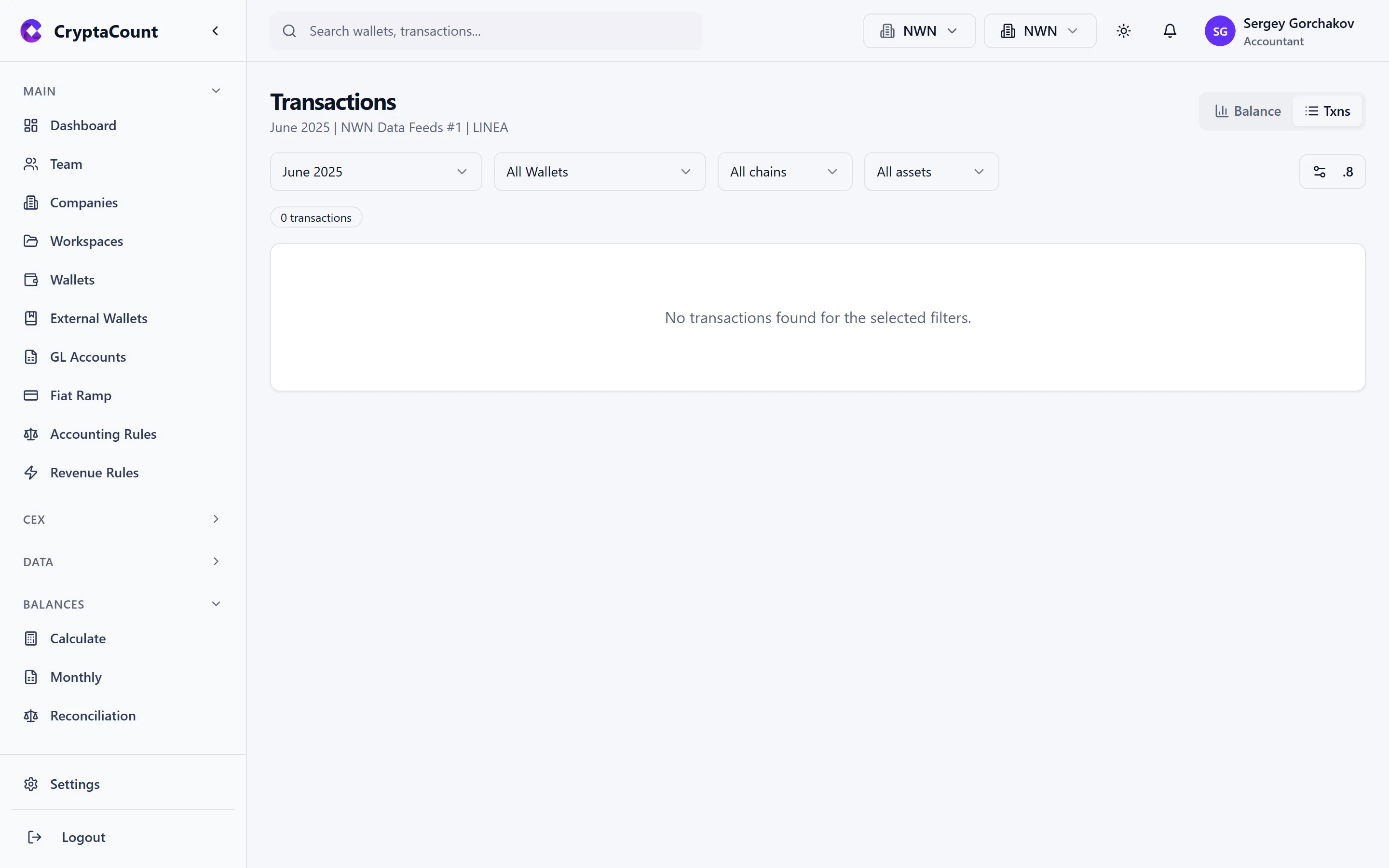
Each row displays:
- Date/Time — UTC timestamp of the on-chain event
- Type — Classified transaction type (TRANSFER_IN, SWAP, STAKING_REWARD, etc.)
- Asset — The primary asset involved
- Amount — Quantity of the asset
- FMV — Fair market value at the time of the transaction
- Wallet — Which wallet this transaction belongs to
- Status — Processing status (classified, pending review, manually overridden)
Transaction Types (100+)
Section titled “Transaction Types (100+)”CryptaCount supports over 100 transaction types organized by category:
| Category | Types |
|---|---|
| Transfers | TRANSFER_IN, TRANSFER_OUT, INTERNAL_TRANSFER |
| Trading | BUY, SELL, SWAP |
| DeFi | LP_ADD, LP_REMOVE, STAKE, UNSTAKE, BORROW, REPAY, LIQUIDATION, LENDING_DEPOSIT, LENDING_WITHDRAW, BRIDGE_OUT, BRIDGE_IN, WRAP, UNWRAP, CLAIM_REWARD, YIELD_CLAIM |
| Income | INCOME, AIRDROP, MINING_REWARD, STAKING_REWARD, VALIDATOR_REWARD |
| Expense | EXPENSE, FEE, PROTOCOL_FEE |
| Fiat | FIAT_DEPOSIT, FIAT_WITHDRAWAL |
| NFT | NFT_MINT, NFT_BUY, NFT_SELL, NFT_TRANSFER |
| Margin | MARGIN_OPEN, MARGIN_CLOSE, MARGIN_COLLATERAL_IN/OUT, MARGIN_INTEREST, MARGIN_LIQUIDATION |
| Futures | FUTURES_OPEN, FUTURES_CLOSE, FUTURES_FUNDING, FUTURES_SETTLEMENT |
| Options | OPTIONS_BUY, OPTIONS_SELL, OPTIONS_EXERCISE, OPTIONS_EXPIRE, OPTIONS_ASSIGN |
| Restaking | RESTAKE_DEPOSIT, RESTAKE_WITHDRAW, AVS_REWARD, RESTAKE_SLASH |
| Token Migration | TOKEN_MIGRATE_OUT, TOKEN_MIGRATE_IN |
| Loss/Theft | ASSET_LOST, ASSET_STOLEN, ASSET_RECOVERED |
| IBC/Cosmos | IBC_TRANSFER_OUT, IBC_TRANSFER_IN, IBC_TIMEOUT_REFUND, IBC_RELAYER_FEE |
| Layer 2 | L2_DEPOSIT, L2_WITHDRAW |
| Governance | GOVERNANCE_LOCK, GOVERNANCE_UNLOCK, GOVERNANCE_REWARD, GOVERNANCE_BRIBE, GOVERNANCE_DELEGATE |
| Privacy | PRIVACY_SHIELD, PRIVACY_UNSHIELD |
| Insurance | INSURANCE_PURCHASE, INSURANCE_CLAIM, INSURANCE_PREMIUM, INSURANCE_EXPIRE |
| Other | CONTRACT_INTERACTION, APPROVAL, UNKNOWN |
Filtering
Section titled “Filtering”Filter transactions by any combination of:
- Date range — Custom start/end dates
- Wallet — One or more specific wallets
- Chain — Filter by blockchain network
- Asset — Filter by specific token or coin
- Transaction type — Filter by classification category
- Status — Classified, pending review, manually overridden
- Search — Free-text search across transaction hashes, addresses, and notes
Transaction Detail View
Section titled “Transaction Detail View”Click any transaction to open the full detail view:
Transaction data: Transaction hash (links to block explorer), block number, timestamp (UTC), from/to addresses, gas/network fee, counterparty address.
Accounting data: Classified transaction type (with override option), FMV at transaction time, cost basis impact, generated journal entry (debit/credit table), notes/memo field.
Audit trail: Classification history, who changed it and when.
Transaction Review Queue
Section titled “Transaction Review Queue”The review queue under Transactions → Review surfaces transactions that need manual attention:
- Transactions classified as UNKNOWN
- Transactions flagged by rules that couldn’t auto-resolve
- Transactions with missing price data
- Transactions with potential misclassification
Transaction Groups
Section titled “Transaction Groups”Under Transaction Groups in the sidebar, you can group related transactions together. This is useful for:
- Multi-step DeFi operations that span multiple transactions
- Related transfers across chains (bridge out + bridge in)
- Batch operations that should be viewed as a unit
Groups can be expanded, collapsed, and archived.
Bulk Operations
Section titled “Bulk Operations”For high-volume wallets, bulk operations help manage transactions efficiently:
- Bulk reclassify — Select multiple transactions and change their type at once
- Bulk export — Export a filtered set of transactions to CSV or Excel
- Bulk action — Apply actions to selected transactions (classify, archive, add to group)