

Tax Compliance
Tax Compliance
Section titled “Tax Compliance”CryptaCount’s tax module provides multi-jurisdiction tax support with 73 jurisdictions, automated tax calculations, form generation, and export capabilities. The module includes features available to all users and advanced features available on qualifying plans.
Jurisdiction Comparison (All Users)
Section titled “Jurisdiction Comparison (All Users)”The jurisdiction comparison tool under Tax → Jurisdiction Compare is available to all users.
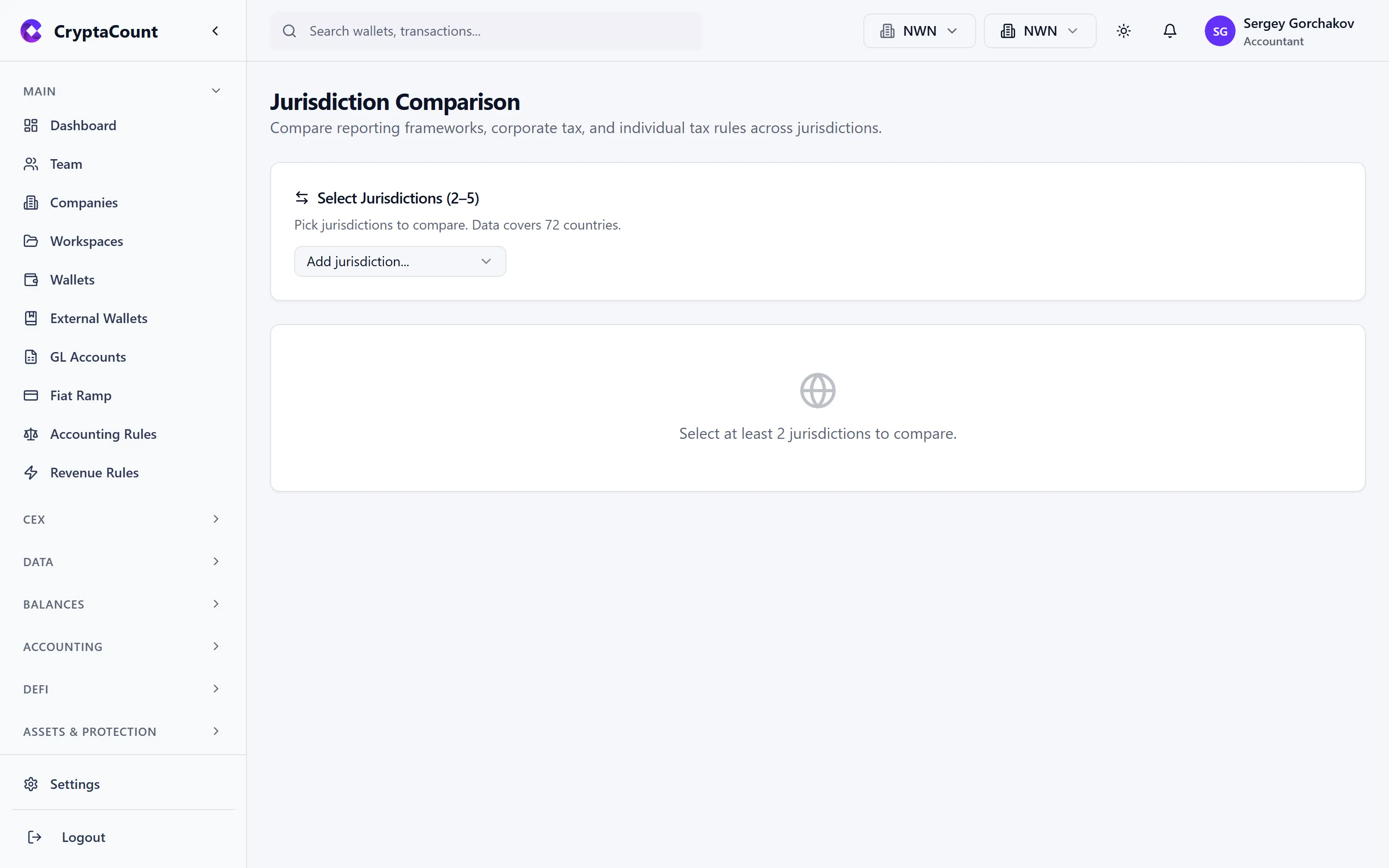
It provides:
- Side-by-side comparison of tax rules across jurisdictions
- Holding period rules and exemptions
- Tax rate references
- Permitted cost basis methods
- Anti-avoidance provisions
- Reporting requirements
This covers 73 jurisdictions organized into five tax tiers:
| Tier | Description | Examples |
|---|---|---|
| TIER_1 | Tax follows accounting | Luxembourg, Singapore |
| TIER_2 | Tax differs from accounting (parallel calculation) | US, UK |
| TIER_3 | Unique regime (share pooling, ACB, VDA) | UK (S104), Canada, India |
| TIER_4 | No CIT / exempt | UAE, Cayman Islands |
| TIER_5 | Unclear / no formal crypto framework | Various |
Tax Settings (Qualifying Plans)
Section titled “Tax Settings (Qualifying Plans)”Business entity tax settings under Tax → Settings configure:
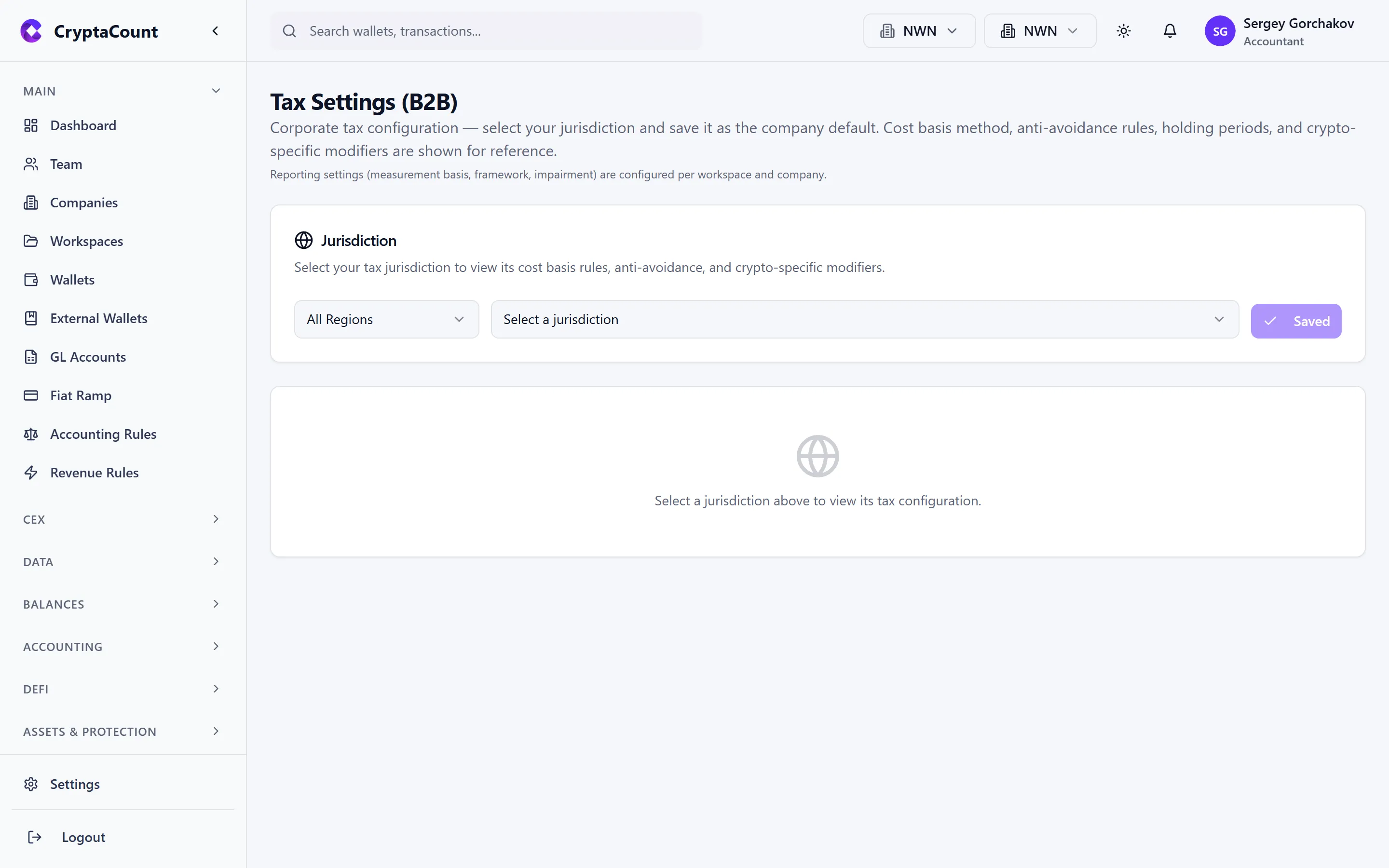
- Corporate tax rates on crypto gains
- Permitted cost basis methods for the jurisdiction
- VAT treatment of crypto transactions
- Depreciation and impairment rules
- Book-to-tax differences
Tax Calculations
Section titled “Tax Calculations”The tax calculation engine under Tax → Calculations provides:
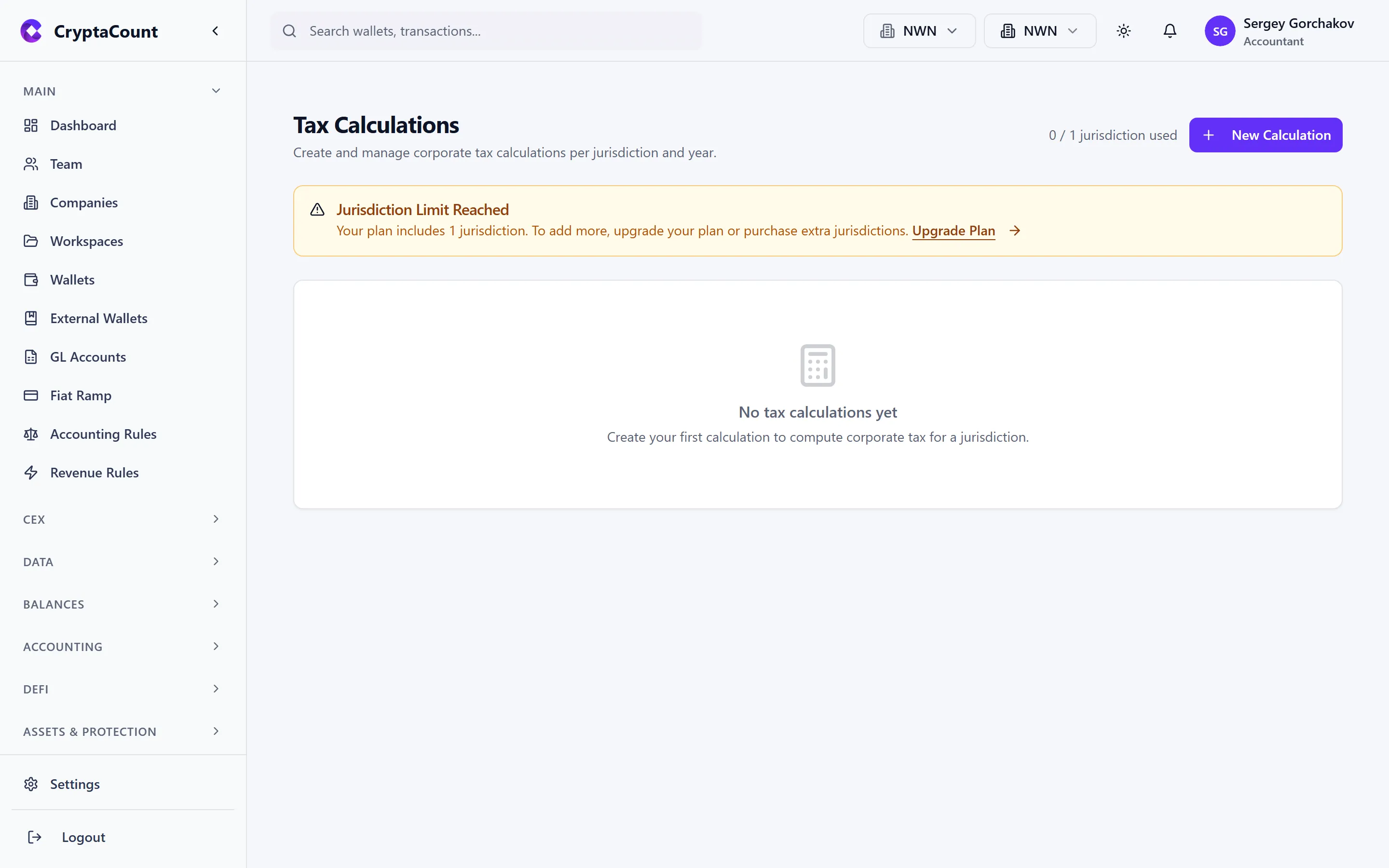
- Create and manage tax calculation configurations
- Run tax calculations for specific periods
- Set active calculation for the workspace
- Track jurisdiction-specific usage and rules
Corporate Tax Center
Section titled “Corporate Tax Center”The corporate tax center under Tax → Corporate provides:
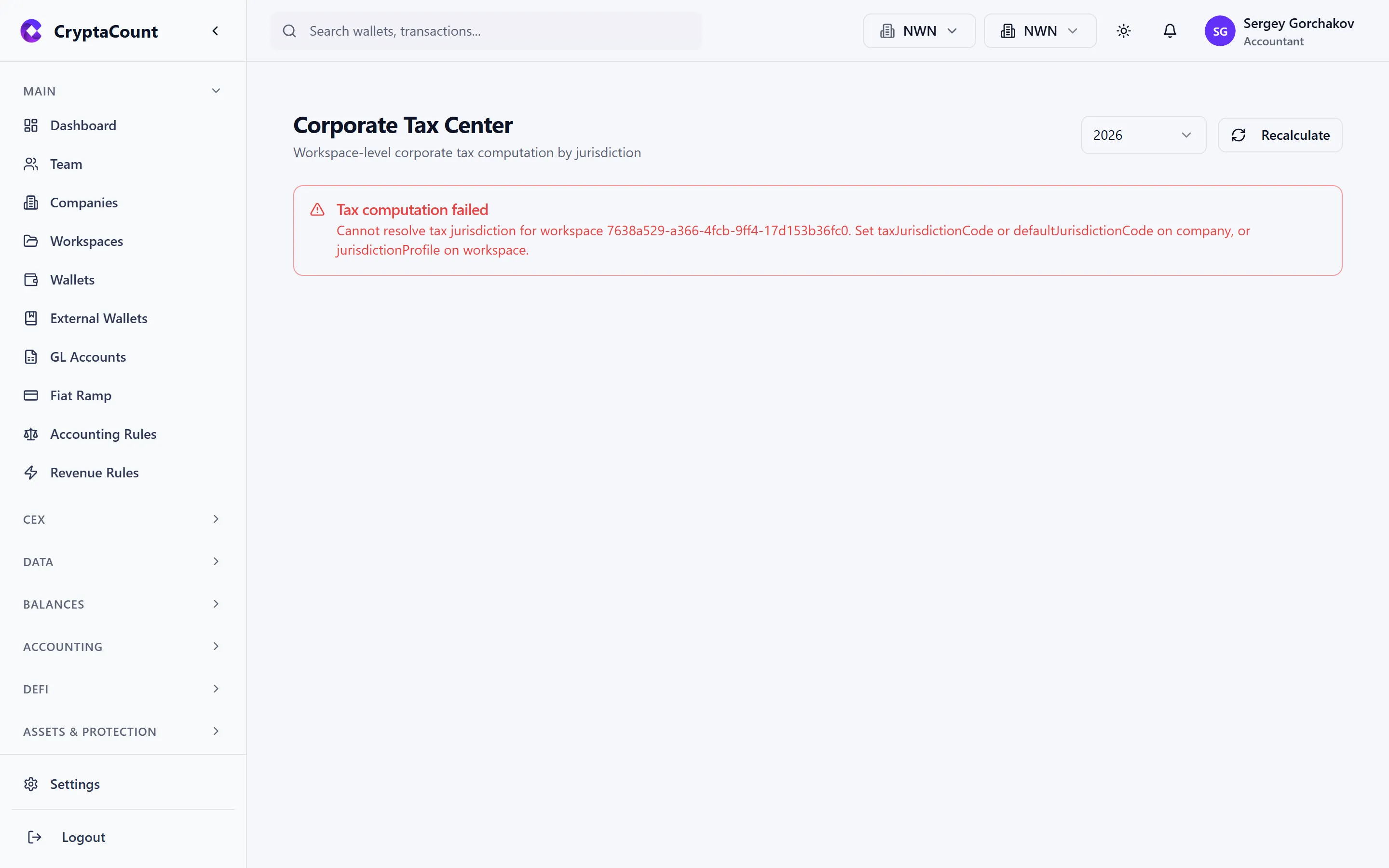
- Tax summary — Overall tax position for the entity
- Calculate — Run corporate tax calculations
- Jurisdiction rules — Applied rules for the entity’s jurisdiction
- Book-tax differences — Reconciliation between accounting and tax treatment
Tax Disposals
Section titled “Tax Disposals”The disposal schedule under Tax → Disposals shows:
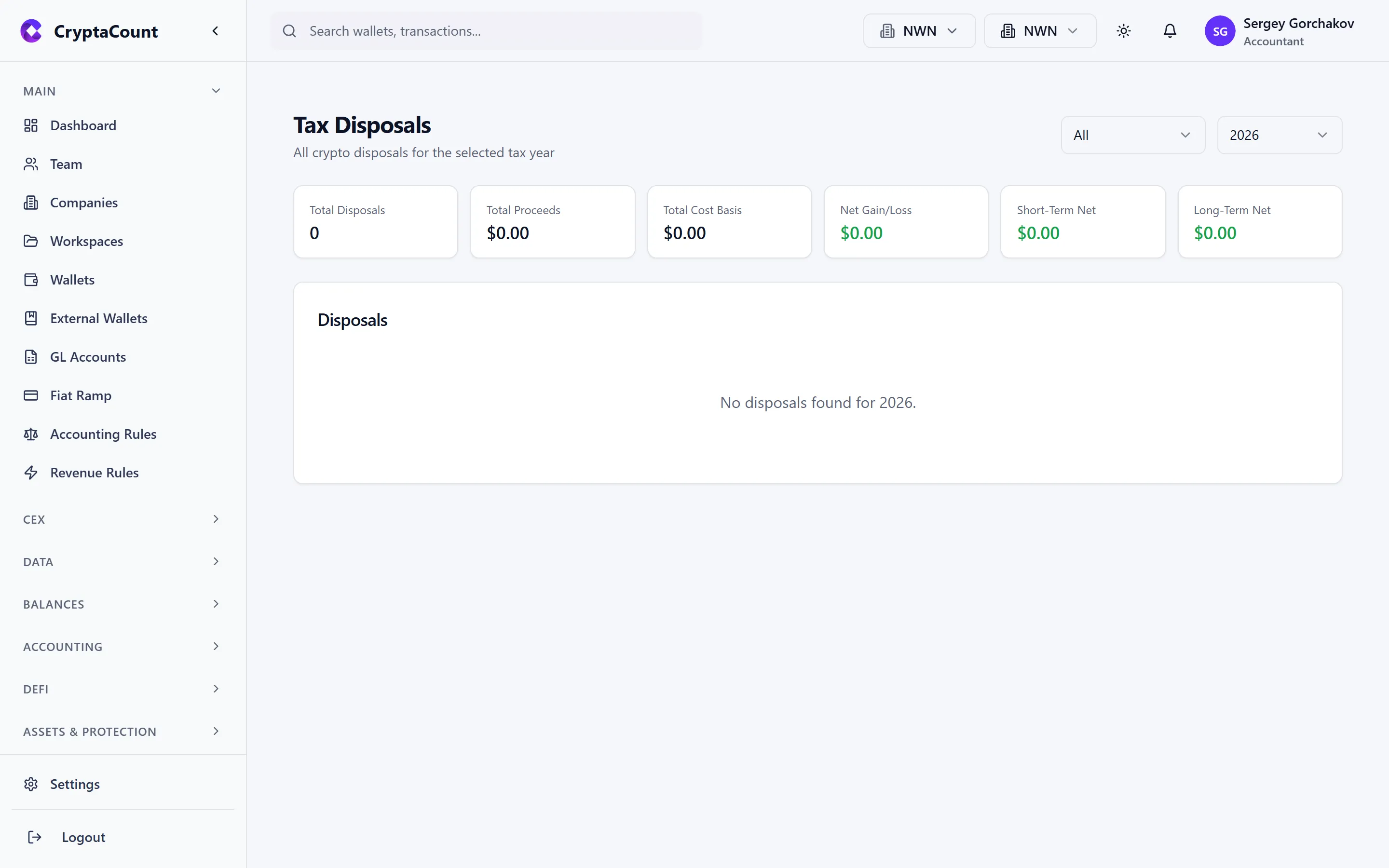
- Every disposal event with calculated gain/loss
- Cost basis lot matching
- Holding period classification (short-term vs. long-term)
- Summary totals and export
Tax Forms
Section titled “Tax Forms”Tax form generation under Tax → Forms supports multiple jurisdictions and form types:
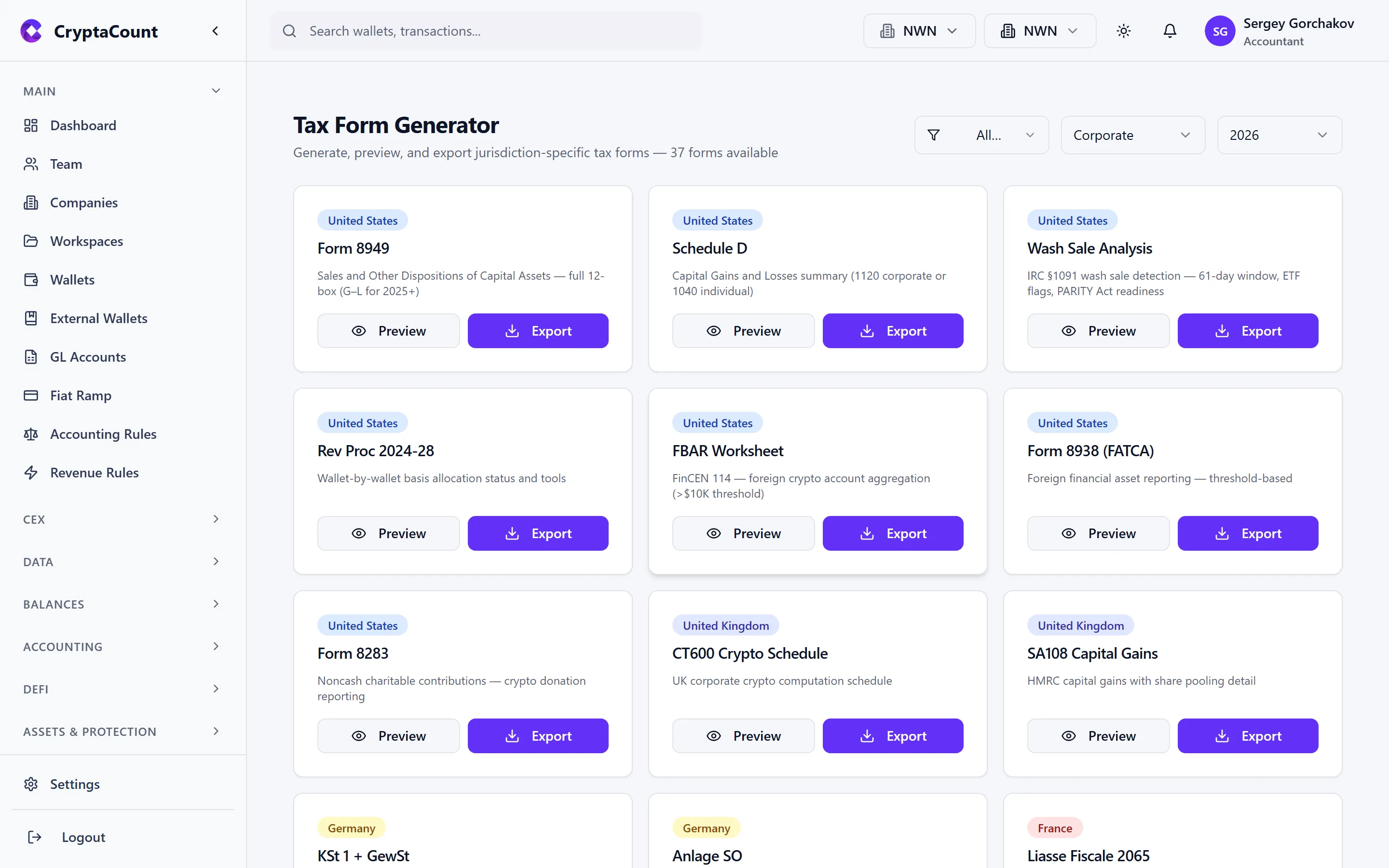
US Forms:
- Form 8949 — Sales and Other Dispositions of Capital Assets
- Schedule D — Capital Gains and Losses
- 1099-DA — Digital Asset Broker Reporting
- Wash Sale reporting
- FBAR (FinCEN 114)
- Form 8938 — FATCA Statement of Foreign Financial Assets
- Form 8283 — Noncash Charitable Contributions
- Form 1120 — Corporate Income Tax
- Form 1065 K-1 — Partner’s Share of Income
- Form 1120S K-1 — S Corp Shareholder’s Share
- Form 1099-NEC — Nonemployee Compensation
- Form 4797 — Sales of Business Property
- Distribution declarations
International Forms:
- Jurisdiction-specific forms accessed via Tax → Forms with the relevant jurisdiction selected
Tax Exports
Section titled “Tax Exports”Tax exports under Tax → Exports support multiple formats:
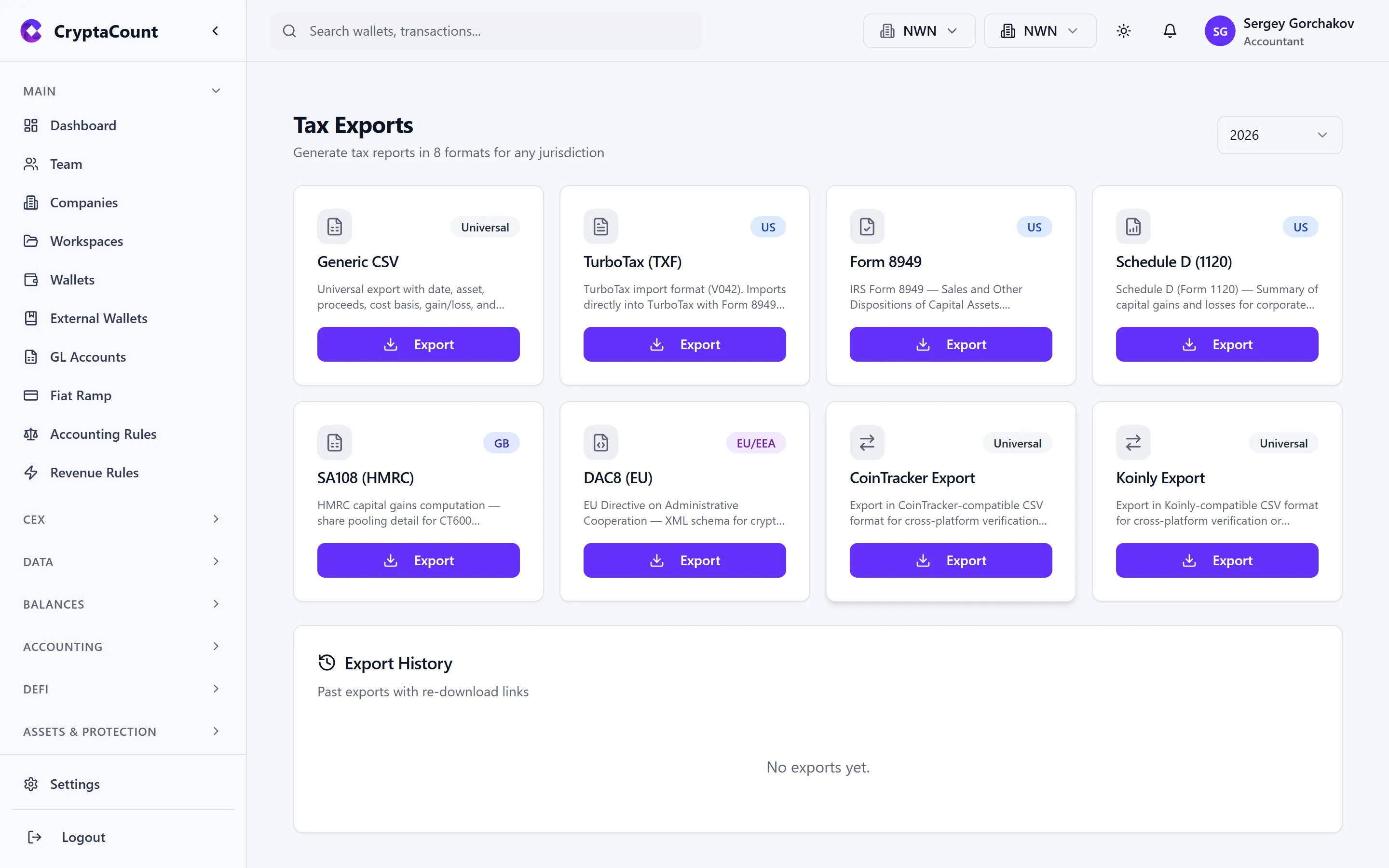
| Format | Description |
|---|---|
| Generic CSV | Universal CSV format |
| TXF | Tax Exchange Format (for tax software) |
| Form 8949 PDF | IRS Form 8949 as PDF |
| Schedule D 1120 | Schedule D for corporate filers |
| SA108 CSV | UK Self Assessment capital gains |
| DAC8 XML | EU DAC8 reporting format |
| CoinTracker CSV | CoinTracker import format |
| Koinly CSV | Koinly import format |
1099-DA Reconciliation (US Only)
Section titled “1099-DA Reconciliation (US Only)”The 1099-DA reconciliation tool under Tax → Reconciliation helps US entities:
- Match 1099-DA forms received from exchanges against CryptaCount’s records
- Identify discrepancies between broker reporting and your calculations
- Prepare documentation for potential IRS inquiries
Regulatory Framework Alignment
Section titled “Regulatory Framework Alignment”The platform’s data outputs align with regulatory frameworks:
- DAC8 — Transaction and holding data structured for EU tax information exchange
- MiCA — Financial reporting for licensed crypto-asset service providers
- CARF — Cross-border information exchange requirements