

Blockchain Sync
Blockchain Sync
Section titled “Blockchain Sync”The blockchain sync pipeline fetches, normalizes, and deduplicates on-chain data for each connected wallet. Progress is streamed in real time so you can monitor each sync as it happens.
How Sync Works
Section titled “How Sync Works”When you connect a wallet or trigger a sync, CryptaCount launches two parallel data streams:
Transactions — Fetches native currency transfers (ETH on Ethereum, MATIC on Polygon, etc.) and normal contract calls. These are direct transactions on the chain’s base layer.
Token Transfers — Fetches token transfer events (ERC-20 and equivalents). These are contract-emitted events captured from transaction logs, synced independently from native transactions.
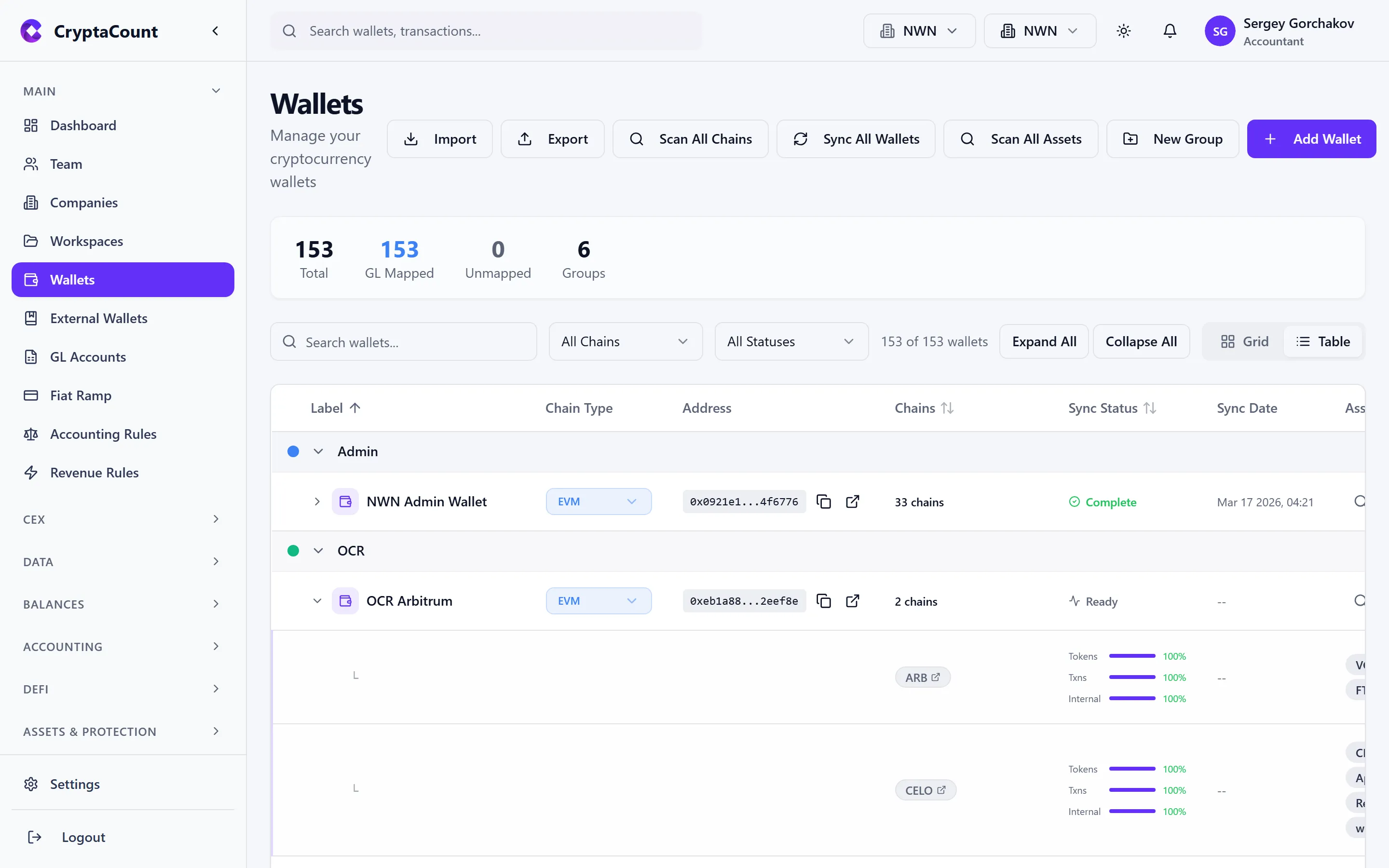
Each stream maintains its own progress tracker (last processed block number) and pagination cursor.
Sync Lifecycle
Section titled “Sync Lifecycle”- Initialize — CryptaCount checks if another wallet with the same address and chain is already syncing (prevents double-sync). Determines the starting block per stream.
- Fetch — Request transaction data from blockchain providers in paginated chunks
- Normalize — Convert chain-specific formats into CryptaCount’s universal transaction model
- Deduplicate — Check each transaction against existing records to prevent duplicates
- Store — Write new transactions to the workspace
- Classify — Run the transaction classification engine on new records
- Price — Fetch FMV for each asset at each transaction timestamp
- Journal — Generate double-entry journal entries
Deduplication
Section titled “Deduplication”Every transaction is assigned a unique key based on the chain, block, transaction hash, and event index. CryptaCount checks for existing records before inserting, ensuring no duplicate data even if a sync is interrupted and restarted.
Smart Resume
Section titled “Smart Resume”After the initial full sync, subsequent syncs resume from the last processed block. Critically, the resume point is tracked per stream (transactions vs. token transfers):
- Each stream resumes independently
- This prevents the scenario where a fast-finishing stream’s block number causes the other to skip data
Real-Time Progress
Section titled “Real-Time Progress”Sync progress is streamed in real time to the interface. The progress display provides:
- Current sync phase (fetching, normalizing, storing)
- Transactions processed / total estimated
- Block progress (current block / latest block)
- Per-stream status (Transactions, Token Transfers)
- Error messages if any
This enables live progress indicators without needing to refresh the page.
Multi-Wallet Dedup
Section titled “Multi-Wallet Dedup”When the same address is used across multiple workspace wallets (e.g., same address added under different labels), CryptaCount checks for duplicates and skips if another wallet with the same address is already synced or syncing. This prevents duplicate transaction data at the workspace level.
Rate Limiting and Resilience
Section titled “Rate Limiting and Resilience”Blockchain data providers impose rate limits. The sync pipeline handles this with:
- Automatic backoff — When rate limits are hit, the system backs off and retries automatically
- Progress preservation — If a sync is interrupted, progress is saved per stream and the next sync resumes from where it left off
- Stuck sync cleanup — A background job periodically detects and cleans up stuck syncs
Monitoring Sync Status
Section titled “Monitoring Sync Status”From the wallet detail view, the Sync tab shows:
- Current sync status per stream (Transactions, Token Transfers)
- Last processed block number per stream
- Total transactions fetched
- Any error messages
- Time of last successful sync
Triggering Manual Sync
Section titled “Triggering Manual Sync”- Single wallet: Open wallet detail → click Sync Now
- Rescan: Force a full rescan of a wallet from block 0
- Sync request: Users can request syncs, which workspace managers approve or reject
Sync Errors
Section titled “Sync Errors”Common sync errors and their resolution:
| Error | Cause | Resolution |
|---|---|---|
| Rate limit exceeded | Too many requests to the provider | Wait and retry; automatic backoff handles this |
| Timeout | Large data batch taking too long | Automatic; next sync resumes from last block per stream |
| Invalid address | Wallet address doesn’t match the selected chain | Verify address format and chain selection |
| Provider unavailable | Blockchain data provider temporarily down | Automatic retry after a waiting period |
| Double sync detected | Same address already syncing | Wait for existing sync to complete |
For persistent issues, see the Sync & Connectivity troubleshooting guide.