

Advanced Asset Management
Advanced Asset Management
Section titled “Advanced Asset Management”CryptaCount’s advanced asset module extends beyond standard crypto tokens to cover the full spectrum of digital and tokenized assets — from NFTs and real-world assets to custodial integrations, cross-chain transfers, and AI-powered classification.
Availability
Section titled “Availability”All features on this page are available on qualifying plans.
NFT Portfolio
Section titled “NFT Portfolio”Track NFTs under NFT in the sidebar.
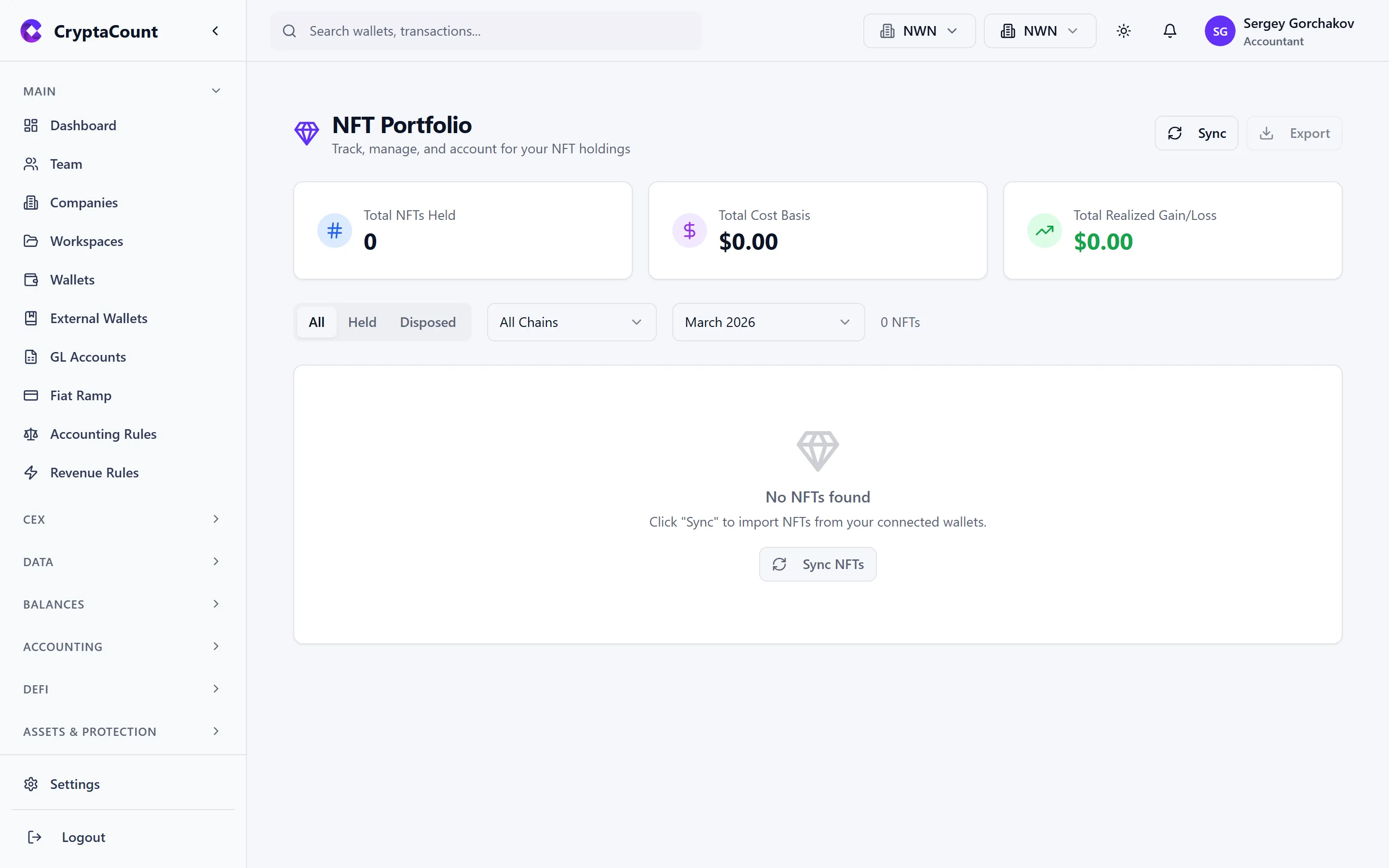
NFT Lifecycle
Section titled “NFT Lifecycle”CryptaCount tracks the full lifecycle of each NFT:
| Event | Accounting Treatment |
|---|---|
| Mint | Acquired at mint cost (gas + mint fee) |
| Buy | Acquired at purchase price |
| Sell | Disposed — realize gain/loss vs. cost basis |
| Transfer | Internal transfer (no gain/loss) or gift |
| Burn | Write off at carrying value |
Portfolio View
Section titled “Portfolio View”The NFT portfolio shows:
- Collection grouping — NFTs organized by collection
- Individual NFTs — Token ID, image thumbnail, acquisition date, cost basis
- Current valuation — Floor price or last sale price (where available)
- Unrealized P&L — Difference between carrying value and estimated FMV
- Disposal history — Sold NFTs with realized gains/losses
NFT Sync
Section titled “NFT Sync”NFTs are discovered during wallet sync. CryptaCount detects ERC-721 and ERC-1155 token transfers and creates NFT records automatically. Manual NFT entries can be created for NFTs on unsupported chains.
Real World Assets (RWA)
Section titled “Real World Assets (RWA)”Track tokenized real-world assets under RWA in the sidebar.
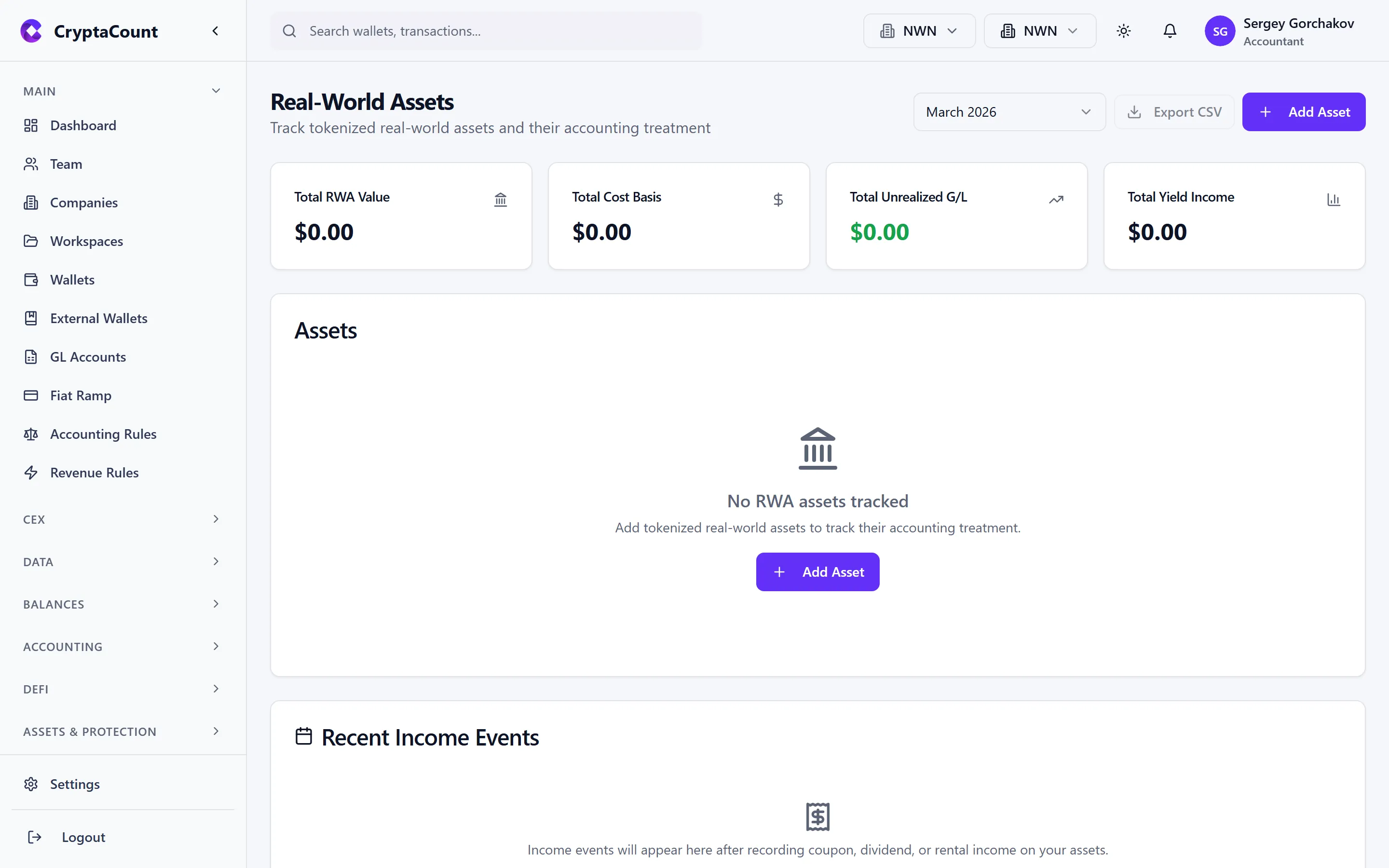
What RWA Covers
Section titled “What RWA Covers”- Tokenized securities — Equity, debt, or fund tokens representing real-world instruments
- Tokenized real estate — Property tokens with rental income
- Tokenized commodities — Gold, carbon credits, or other commodity-backed tokens
- Stablecoins backed by RWA — Tokens collateralized by treasuries or bonds
RWA Tracking
Section titled “RWA Tracking”| Feature | Description |
|---|---|
| Portfolio | View all RWA positions with quantities and valuations |
| NAV updates | Track net asset value changes over time |
| Income | Record dividend, interest, or rental income from RWA tokens |
| Valuation | Manual or feed-based valuation for assets without liquid markets |
Fund Management
Section titled “Fund Management”Manage investment fund structures under Funds in the sidebar.
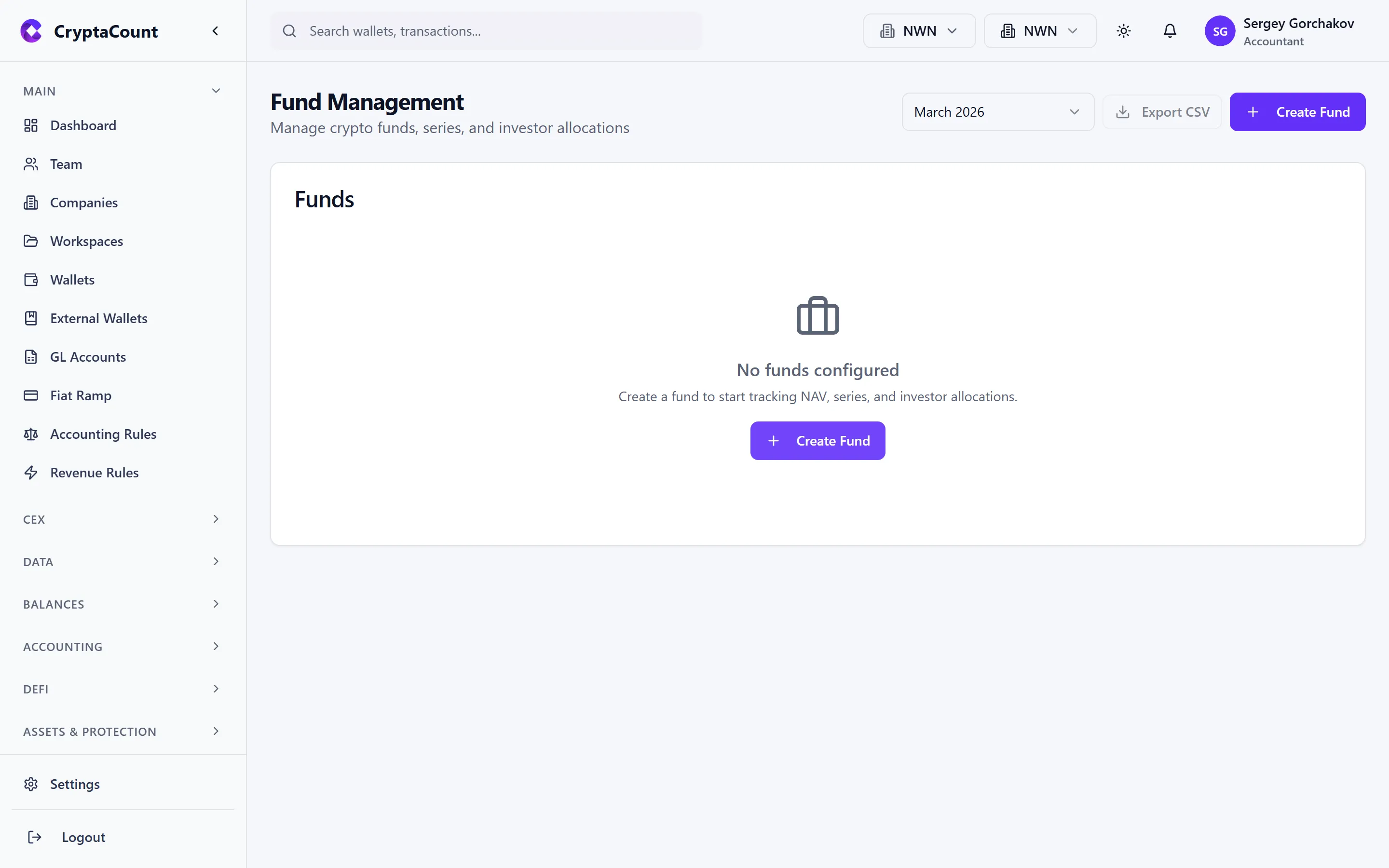
Fund Features
Section titled “Fund Features”| Feature | Description |
|---|---|
| Fund setup | Create fund entities with series (multi-class) support |
| Investors | Track investor subscriptions, redemptions, and capital accounts |
| Transactions | Record fund-level transactions (subscriptions, redemptions, distributions) |
| NAV calculation | Compute net asset value per share/unit |
| Management fees | Calculate and accrue management fees |
| Performance fees | Calculate performance fees with high-water mark tracking |
Fund Accounting
Section titled “Fund Accounting”Funds use a separate accounting layer:
- Each fund has its own set of capital accounts per investor
- NAV is calculated at configurable frequency (daily, weekly, monthly)
- Management fees are typically accrued monthly and paid quarterly
- Performance fees use high-water mark methodology to prevent double-charging
Example: Acme Digital Holdings manages a crypto venture fund with €50M AUM. Monthly NAV calculations feed into investor statements and fee calculations.
Custody Integration
Section titled “Custody Integration”Manage custodial wallets under Custody in the sidebar.
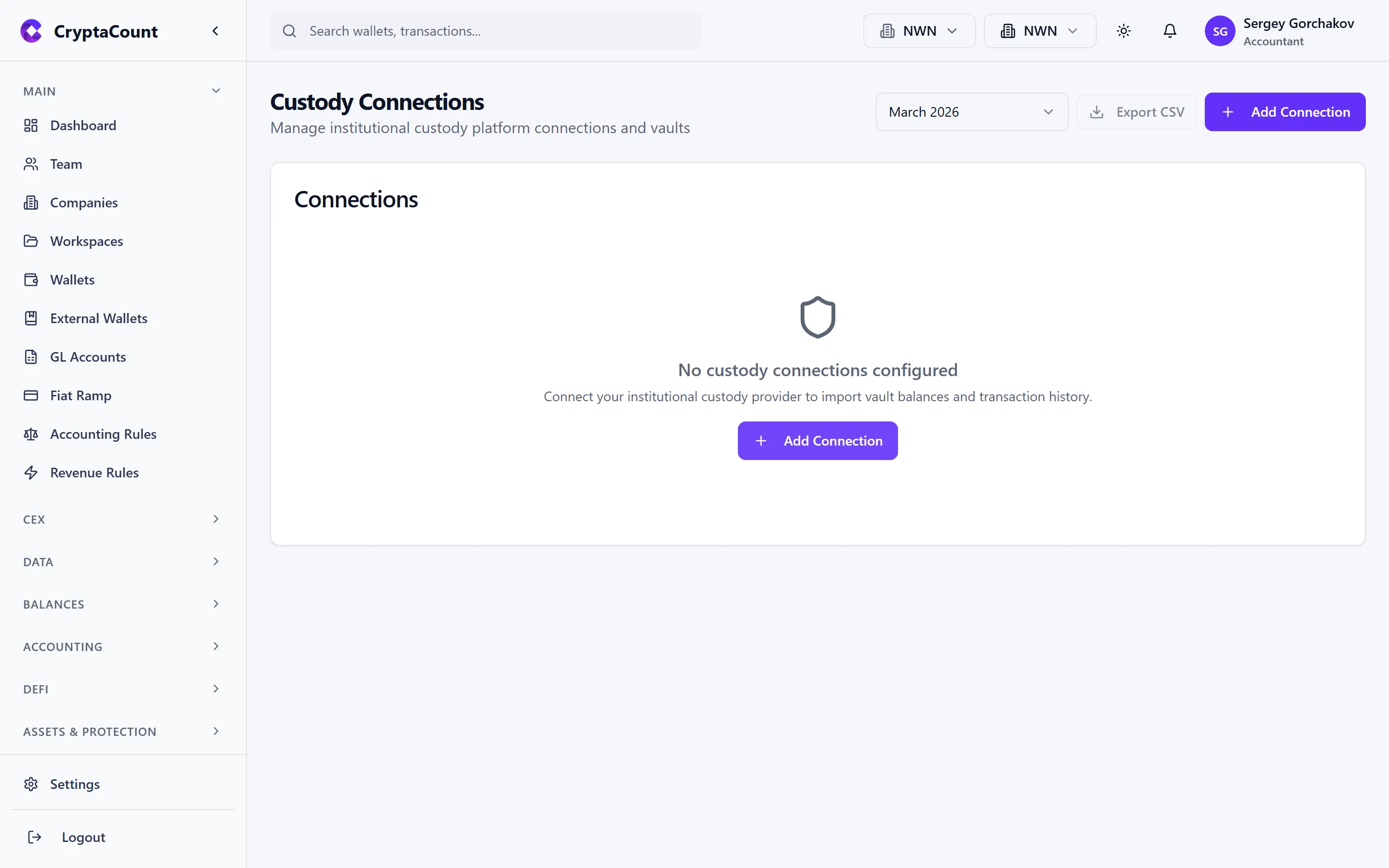
Supported Custodians
Section titled “Supported Custodians”CryptaCount integrates with institutional custody providers:
| Provider | Features |
|---|---|
| Fireblocks | Vault management, transaction approval workflows, auto-sync |
Custody Features
Section titled “Custody Features”| Feature | Description |
|---|---|
| Connections | Configure connections to custody providers |
| Vaults | View vault structure and balances |
| Approvals | Track pending transaction approvals in the custody workflow |
| Sync | Automatic transaction sync from the custodian |
| Test | Test connectivity before going live |
Real-Time Notifications
Section titled “Real-Time Notifications”CryptaCount receives real-time notifications from custody providers for transaction updates. Transactions are automatically synced and classified.
Safe / Multisig Wallets
Section titled “Safe / Multisig Wallets”Manage Safe (formerly Gnosis Safe) wallets under Safe in the sidebar.
Safe Features
Section titled “Safe Features”| Feature | Description |
|---|---|
| Configuration | View Safe setup — owners, threshold, modules |
| Pending transactions | Track transactions awaiting sufficient signatures |
| Sync | Sync Safe transaction history |
| History | Full transaction history with signer details |
Safe transactions are reconciled with on-chain data to ensure the accounting records match executed multisig operations.
Token Migrations
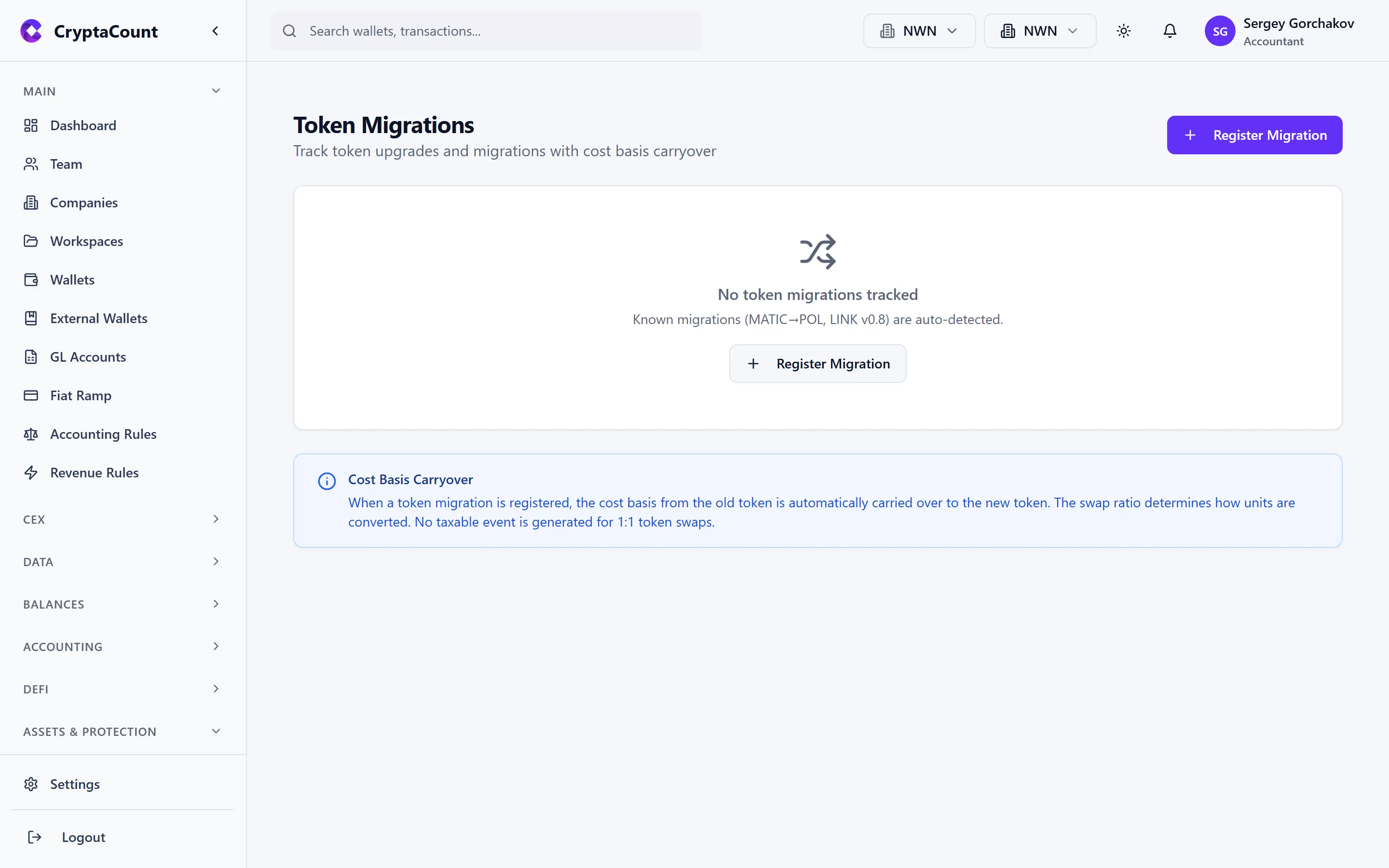
Section titled “Token Migrations”Track token swaps and migrations under Token Migrations in the sidebar.
What Token Migrations Cover
Section titled “What Token Migrations Cover”When a project migrates from one token contract to another (rebranding, upgrades, chain migrations):
| Event | Treatment |
|---|---|
| Migrate out | Dispose of old token |
| Migrate in | Acquire new token at carried-over cost basis |
Migration Detection
Section titled “Migration Detection”CryptaCount can auto-detect known token migrations and suggest matching. For custom or lesser-known migrations:
- Navigate to Token Migrations
- Click Create Migration
- Link the outgoing and incoming transactions
- Cost basis carries over from the old to the new token
Loss & Theft Tracking
Section titled “Loss & Theft Tracking”Record loss and theft events under Losses in the sidebar.
Event Types
Section titled “Event Types”| Type | Description |
|---|---|
| Lost | Assets permanently lost (e.g., sent to wrong address, burned accidentally) |
| Stolen | Assets stolen via hack, exploit, or unauthorized access |
| Recovered | Partial or full recovery of previously lost/stolen assets |
Loss Workflow
Section titled “Loss Workflow”- Record the event — Specify the asset, amount, date, and circumstances
- Forensic details — Document transaction hashes, addresses involved, and evidence
- Claims — File insurance or legal claims linked to the loss event
- Recovery — Record any assets recovered, reducing the net loss
Accounting Treatment
Section titled “Accounting Treatment”- Lost assets are written off at carrying value (debit Loss, credit Digital Assets)
- Stolen assets follow the same treatment with different classification for reporting
- Recovered assets are recorded at FMV at time of recovery (debit Digital Assets, credit Recovery Income)
- Net losses may be tax-deductible depending on jurisdiction
IBC Transfers (Cosmos)
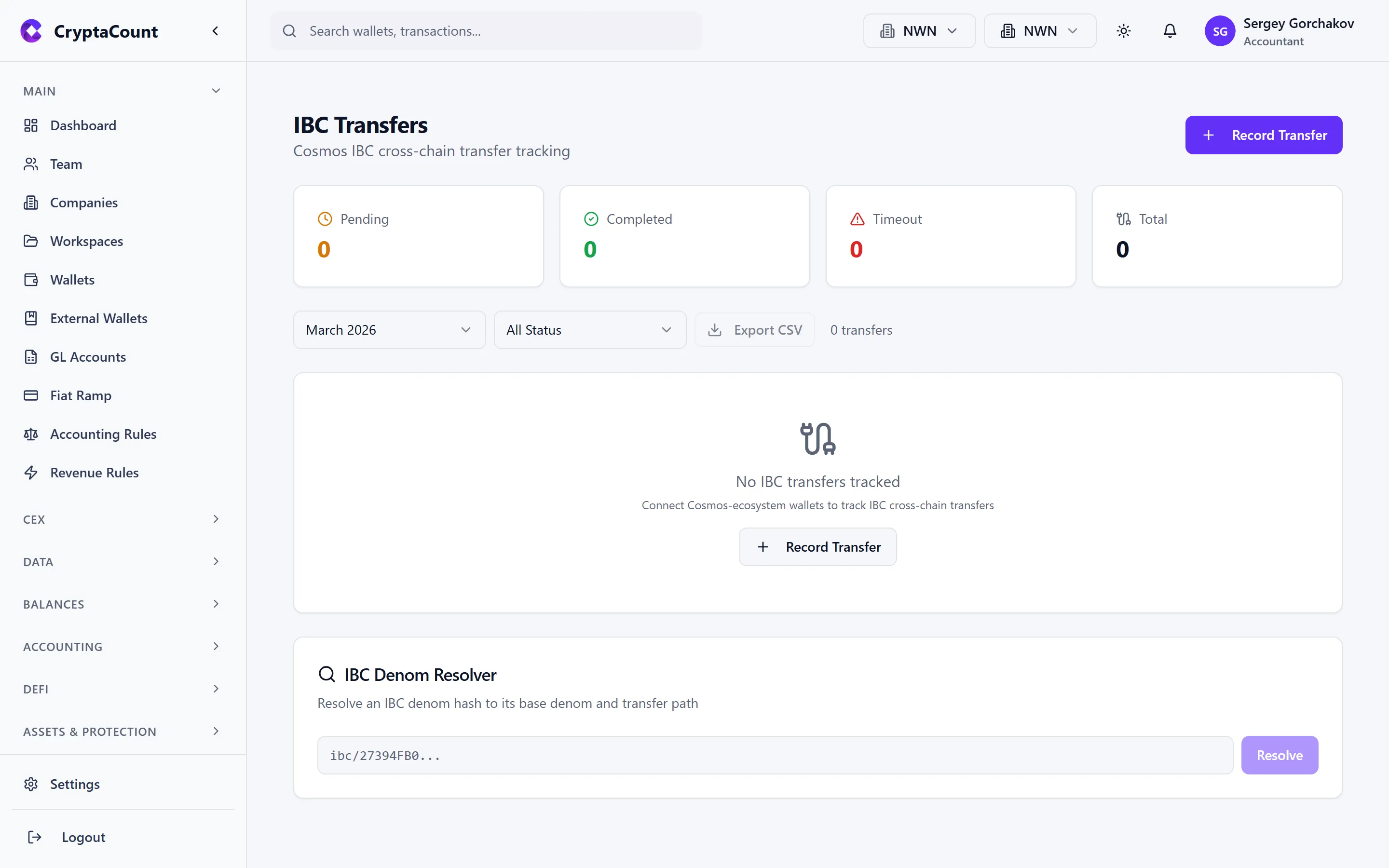
Section titled “IBC Transfers (Cosmos)”Track Inter-Blockchain Communication transfers under IBC Transfers in the sidebar.
IBC Features
Section titled “IBC Features”| Feature | Description |
|---|---|
| Transfer tracking | Record IBC transfers between Cosmos chains |
| Denomination traces | Resolve IBC denominations to their original token |
| Timeout refunds | Track failed IBC transfers and refunded amounts |
| Relayer fees | Record relayer fees as transaction costs |
Denomination Resolution
Section titled “Denomination Resolution”IBC denominations appear as hashed strings. CryptaCount resolves these to their original token symbols using denomination traces, so you see human-readable names rather than hash codes.
Avalanche P-Chain
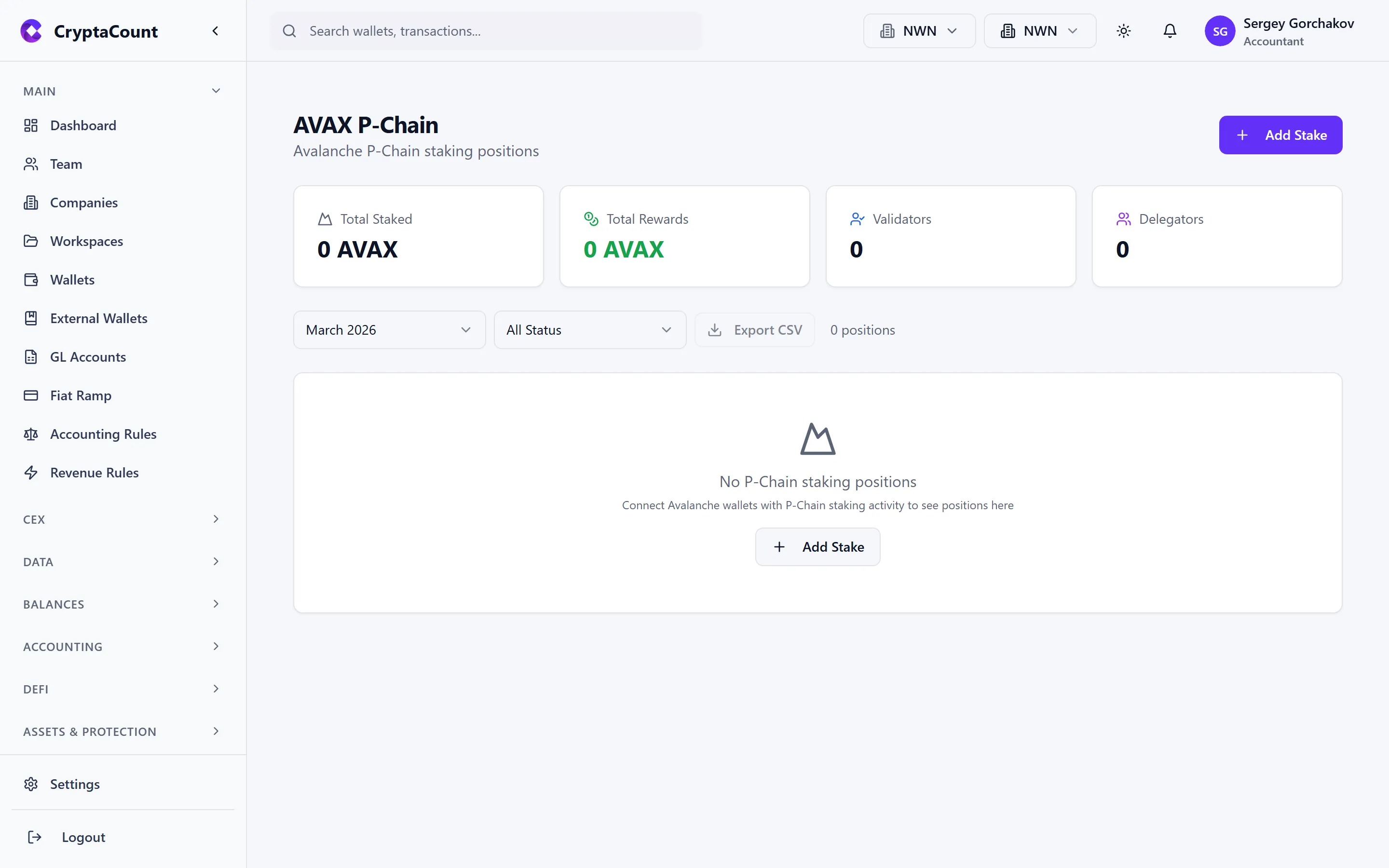
Section titled “Avalanche P-Chain”Track AVAX P-Chain staking under AVAX P-Chain in the sidebar.
P-Chain Features
Section titled “P-Chain Features”| Feature | Description |
|---|---|
| Staking positions | Active validator and delegator stakes |
| Rewards | Staking rewards earned from validation |
| Summary | Aggregate staking statistics |
The P-Chain uses a different transaction model from the C-Chain. CryptaCount handles both and reconciles cross-chain transfers between P-Chain and C-Chain.
L2 Fee Analysis
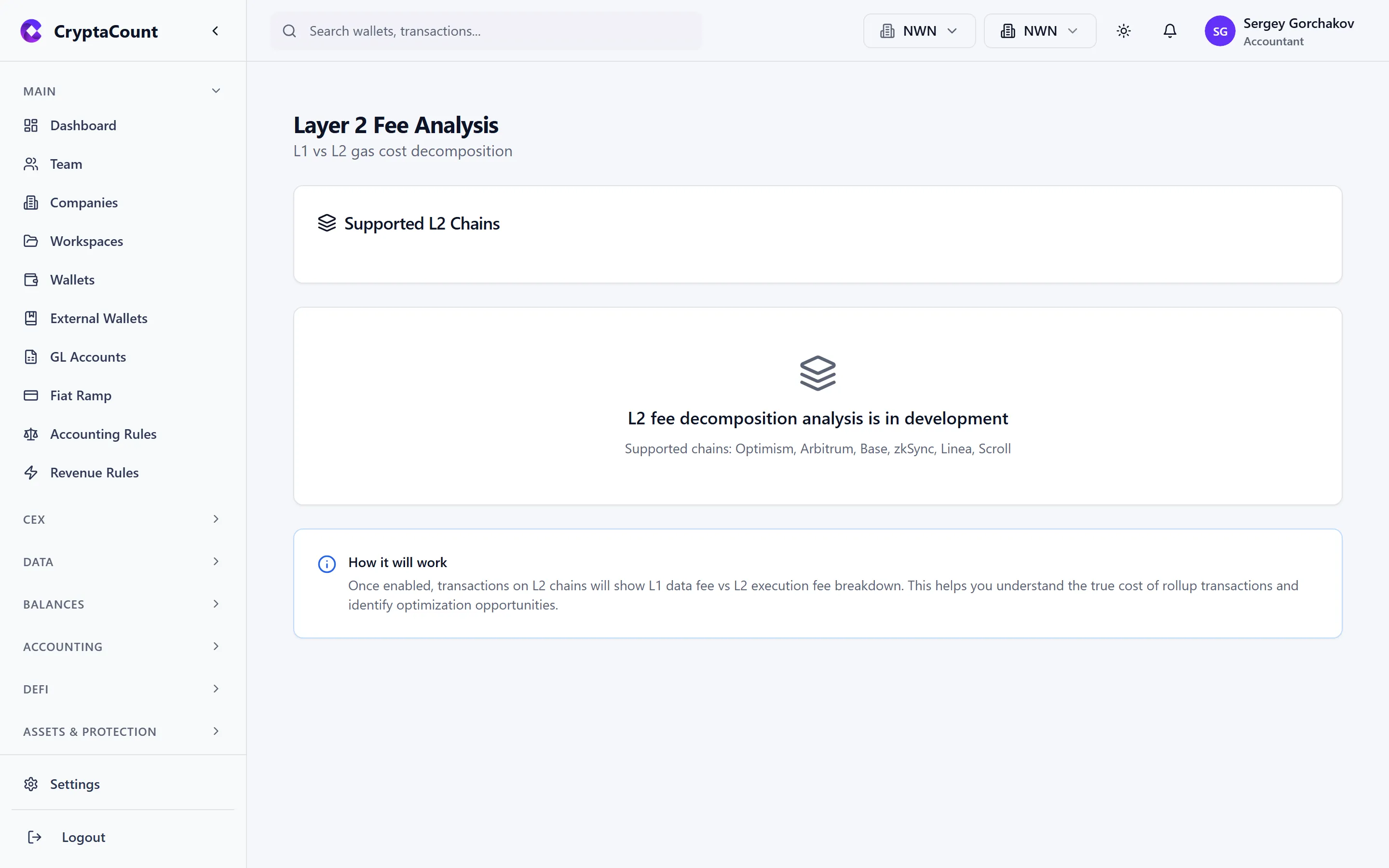
Section titled “L2 Fee Analysis”Analyze Layer 2 fees under L2 Fees in the sidebar.
What L2 Fee Analysis Covers
Section titled “What L2 Fee Analysis Covers”| Metric | Description |
|---|---|
| L1 data fees | Cost of posting data to the L1 (calldata/blob fees) |
| L2 execution fees | Computation costs on the L2 |
| Total fees by chain | Breakdown across Arbitrum, Optimism, Base, zkSync, etc. |
| Fee comparison | Compare L2 fees vs. equivalent L1 transactions |
Account Abstraction
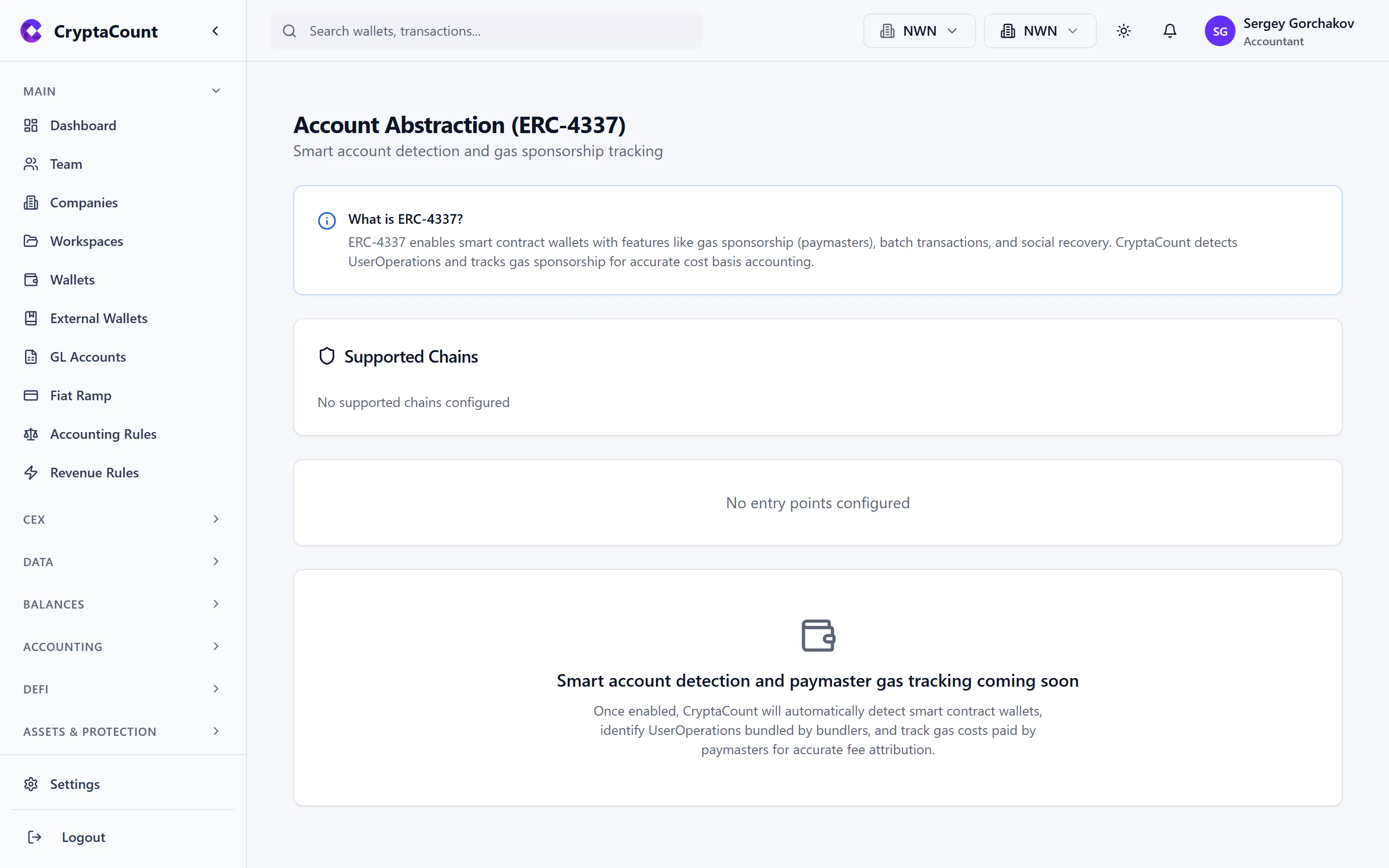
Section titled “Account Abstraction”Track smart account operations under Account Abstraction in the sidebar.
Features
Section titled “Features”| Feature | Description |
|---|---|
| Supported chains | View chains with smart account support |
| Entrypoints | Track entrypoint contract interactions |
| Operations | Individual smart account operation records |
| Paymaster fees | Gas fees paid by paymasters on behalf of the account |
| Bundler fees | Fees paid to bundlers for operation inclusion |
Accounting Treatment
Section titled “Accounting Treatment”Account abstraction splits gas costs differently from traditional wallet transactions. CryptaCount tracks:
- Actual gas consumed by the operation
- Paymaster sponsorship (recorded as gas expense with a corresponding paymaster credit if applicable)
- Bundler fees as a separate fee line item
Privacy Transactions
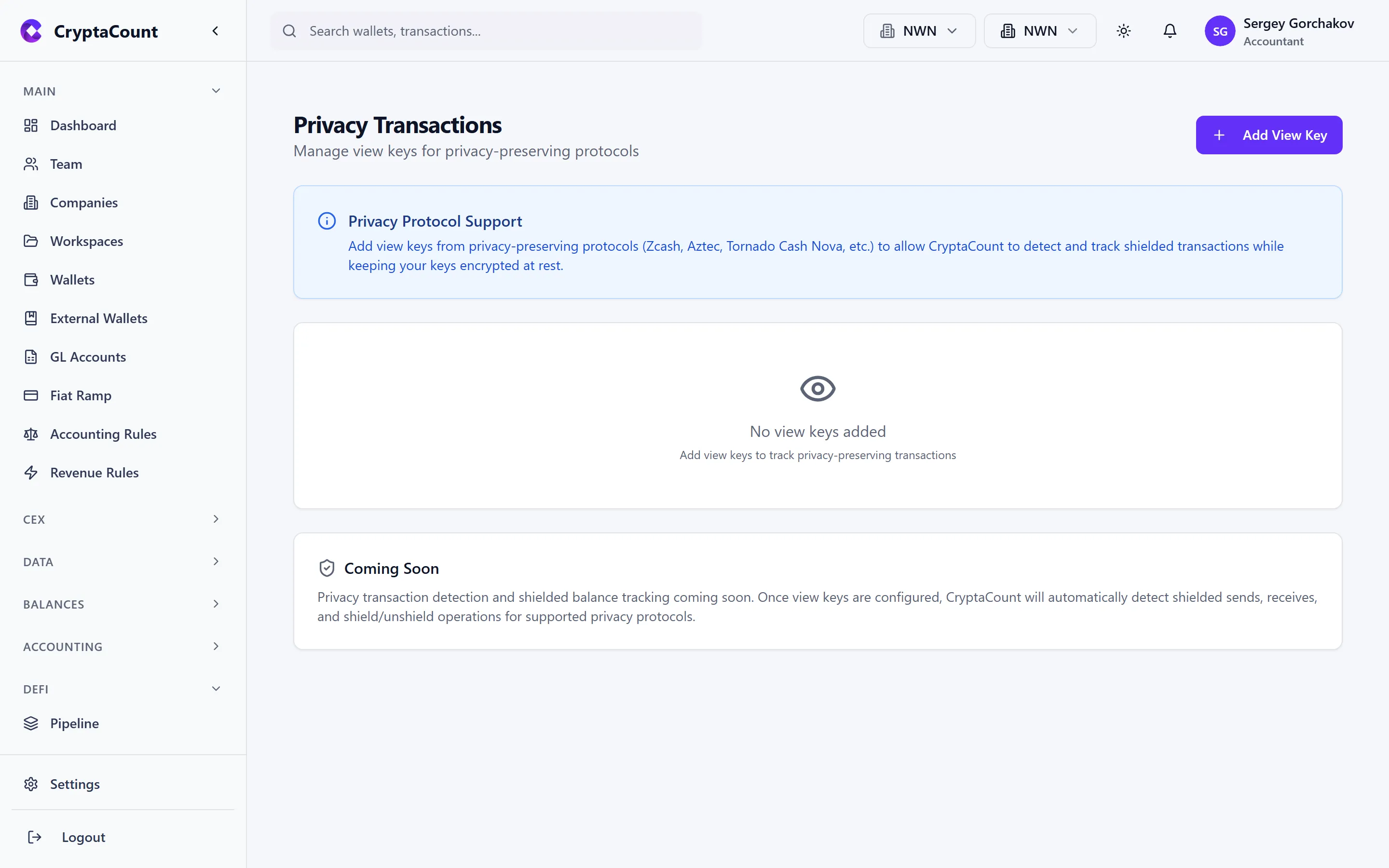
Section titled “Privacy Transactions”Track privacy-preserving transactions under Privacy in the sidebar.
Privacy Features
Section titled “Privacy Features”| Feature | Description |
|---|---|
| Shield/unshield | Track assets moving into and out of privacy pools |
| View keys | Manage view keys for auditor access to shielded balances |
Auditor Access
Section titled “Auditor Access”For compliance and audit purposes, CryptaCount supports view key management. View keys allow authorized auditors to verify shielded balances without exposing transaction details to the public.
AI Classification
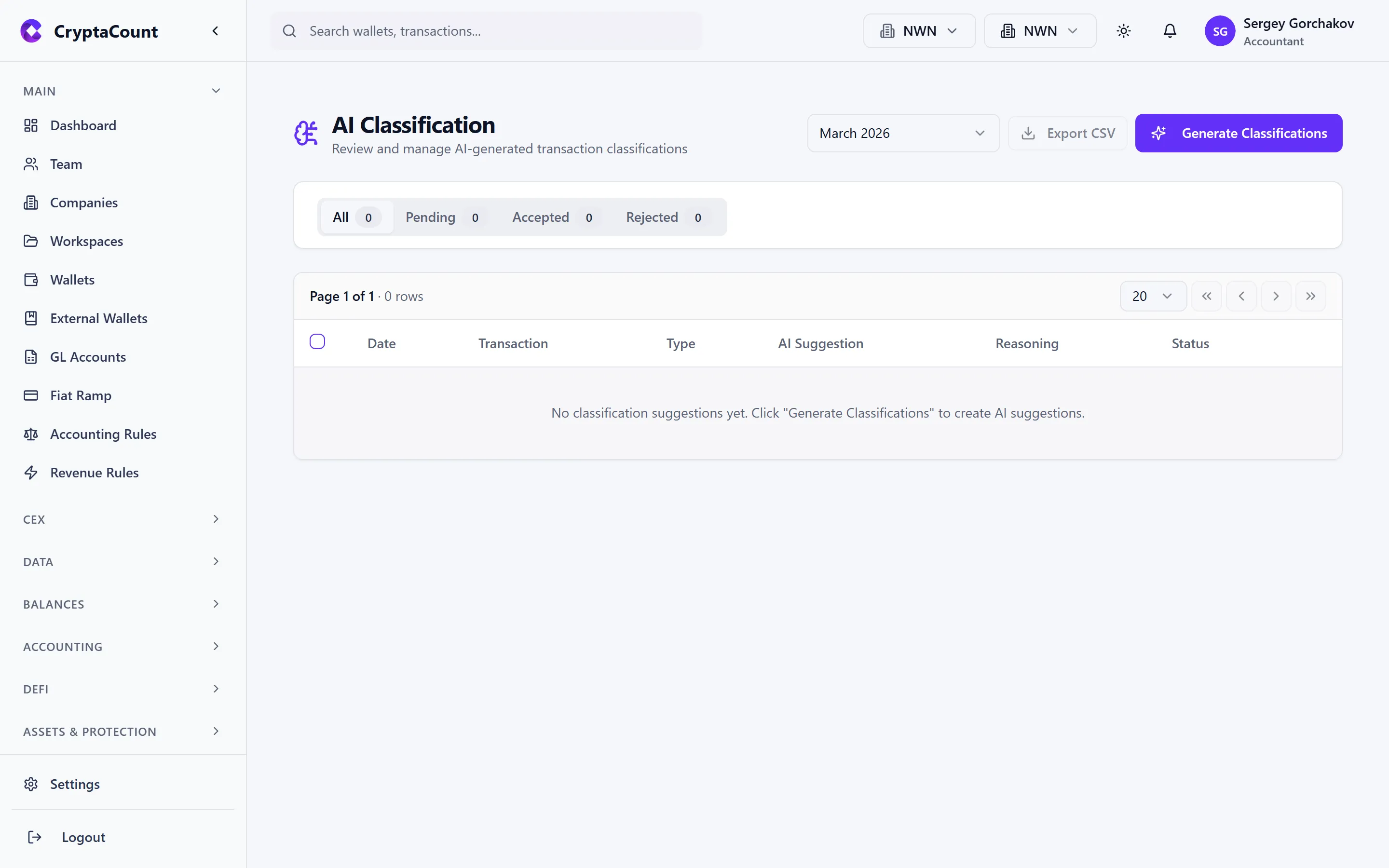
Section titled “AI Classification”AI-powered transaction classification under AI Classification in the sidebar.
How AI Classification Works
Section titled “How AI Classification Works”- CryptaCount’s AI engine analyzes unclassified transactions
- It suggests transaction types based on:
- On-chain function signatures and event logs
- Historical classification patterns for similar transactions
- Protocol identification and known contract interactions
- Review suggestions and accept or reject each one
- Accepted classifications are applied; rejected ones go to manual review
Features
Section titled “Features”| Feature | Description |
|---|---|
| Classify | Run AI classification on pending transactions |
| Suggestions | View classification suggestions with confidence scores |
| Accept/Reject | Approve or reject individual suggestions |
| Bulk actions | Accept or reject suggestions in bulk |
| Generate rules | Generate accounting rules from accepted classifications |
Learning
Section titled “Learning”The AI engine improves over time:
- Accepted classifications reinforce the model’s patterns
- Rejected classifications are negative signals
- Generated rules codify learned patterns for deterministic future matching
Fiat Account Tracking
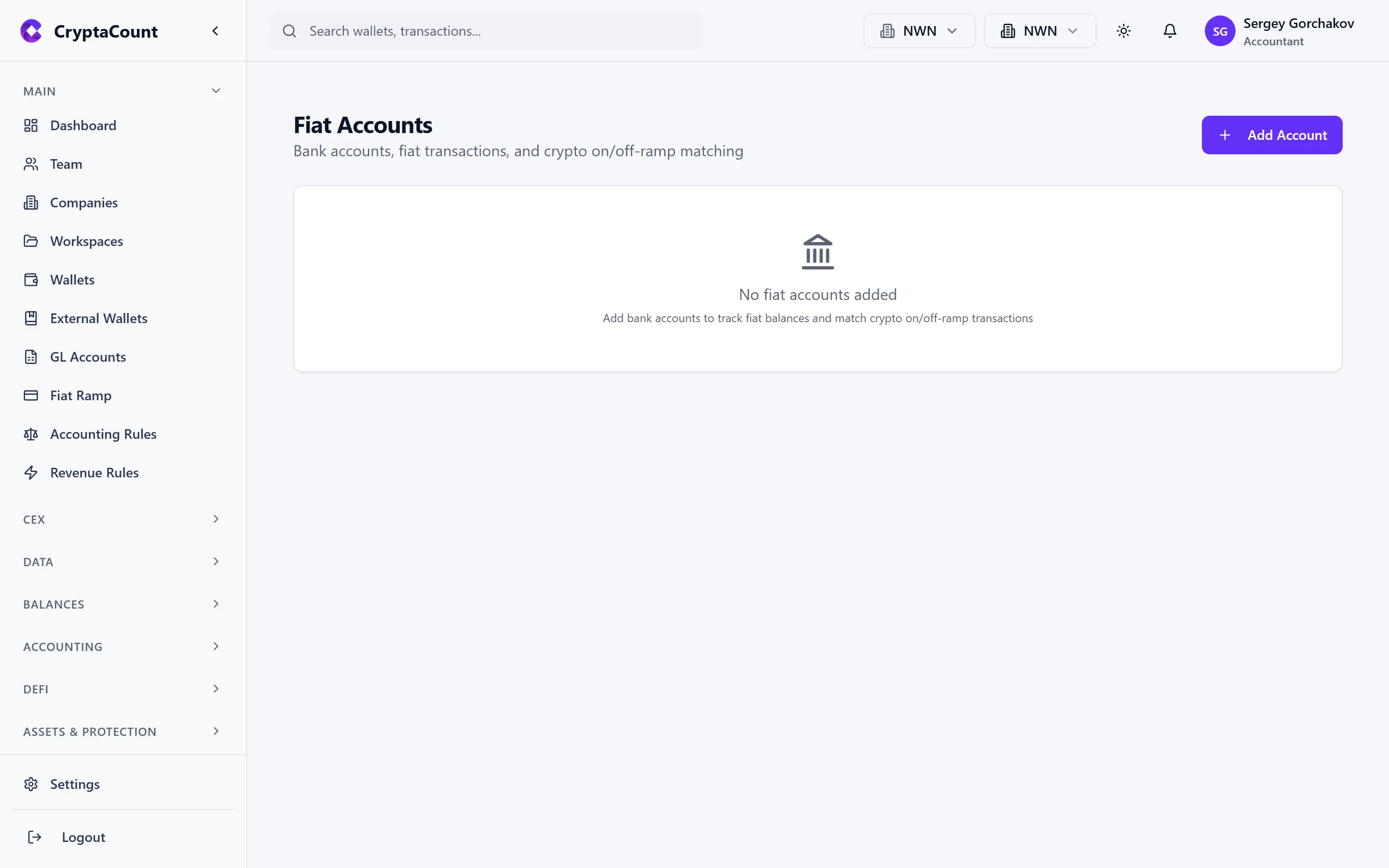
Section titled “Fiat Account Tracking”Track traditional fiat accounts under Fiat Accounts in the sidebar.
Fiat Features
Section titled “Fiat Features”| Feature | Description |
|---|---|
| Accounts | Register bank accounts, payment processor accounts |
| Transactions | Record fiat deposits, withdrawals, and transfers |
| Balances | Track fiat balances alongside crypto positions |
| Reconciliation | Match fiat transactions against bank statements |
Why Track Fiat
Section titled “Why Track Fiat”A complete accounting picture requires both crypto and fiat:
- Fiat on-ramps and off-ramps need matching entries
- Fiat balances appear on the balance sheet
- Fiat transactions flow through the same GL structure
- Reconciliation between fiat ramps and bank records