

Your First Workspace
Your First Workspace
Section titled “Your First Workspace”CryptaCount organizes work in a two-level hierarchy: Companies contain Workspaces. A company represents a legal entity; a workspace is an accounting container within that company — holding wallets, transactions, GL accounts, and reports.
How Companies and Workspaces Relate
Section titled “How Companies and Workspaces Relate”A company (e.g., “Acme Digital Holdings”) can have multiple workspaces, each with its own wallets, transactions, GL accounts, and reports. For example, you might have one workspace for general crypto accounting and another for DeFi operations. The company also holds accounting defaults that apply to all its workspaces unless overridden.
Businesses typically create one company for their legal entity and one workspace for their accounting, though you might create separate workspaces for different business lines or fiscal periods.
Practices create companies for each client engagement. The Practice portal under Practice → Clients provides a dedicated client management view.
Step 1: Create Your Company
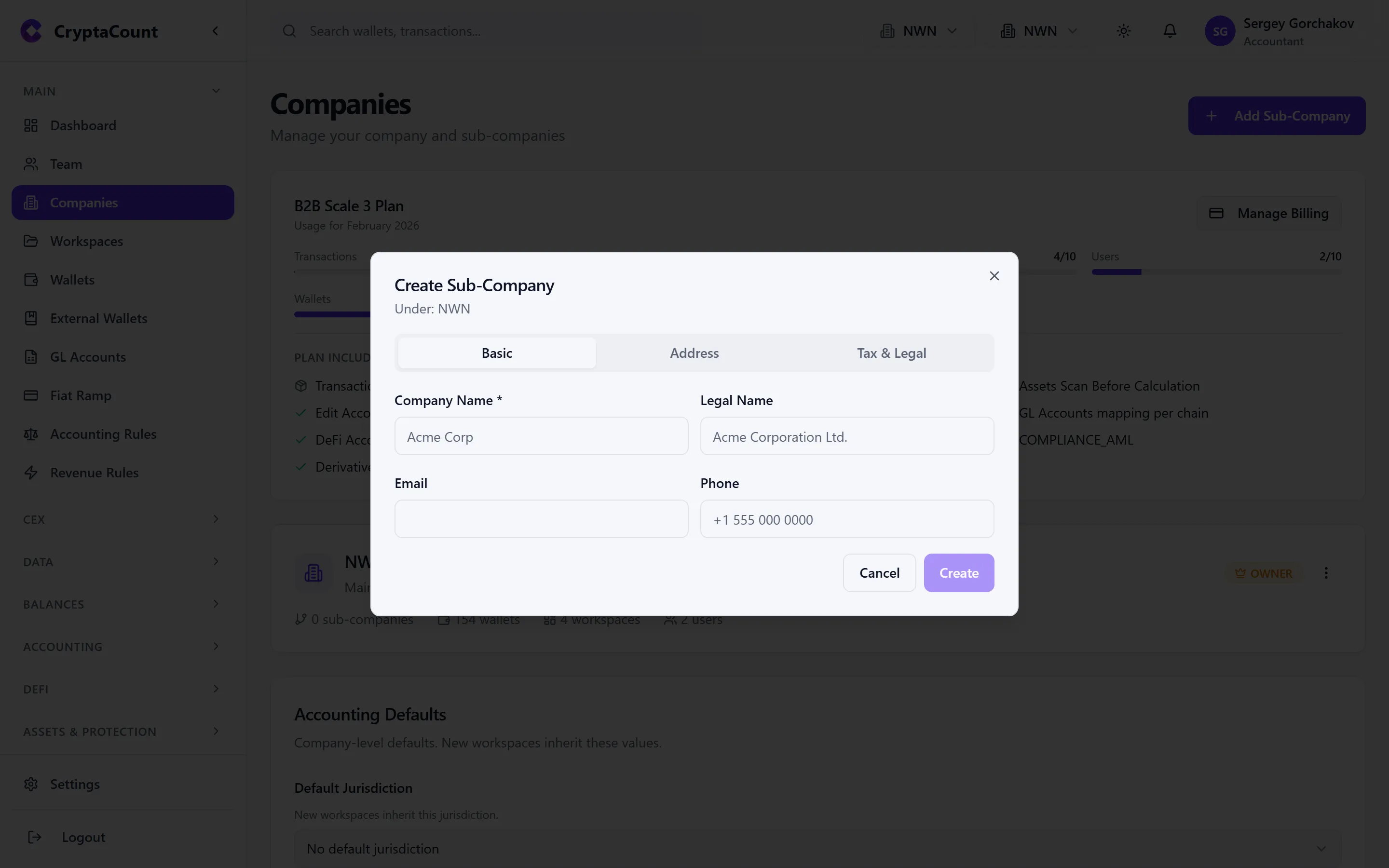
Section titled “Step 1: Create Your Company”Navigate to Main → Companies in the sidebar and click Add Company. Fill in:
- Company name — The legal entity name (e.g., “Acme Digital Holdings”)
- Jurisdiction — The company’s tax jurisdiction. This loads the relevant tax profile from CryptaCount’s 73-jurisdiction dataset, configuring reporting frameworks and crypto classification rules.
- Tax ID type and Tax ID — Optional, for your records
Step 2: Create a Workspace
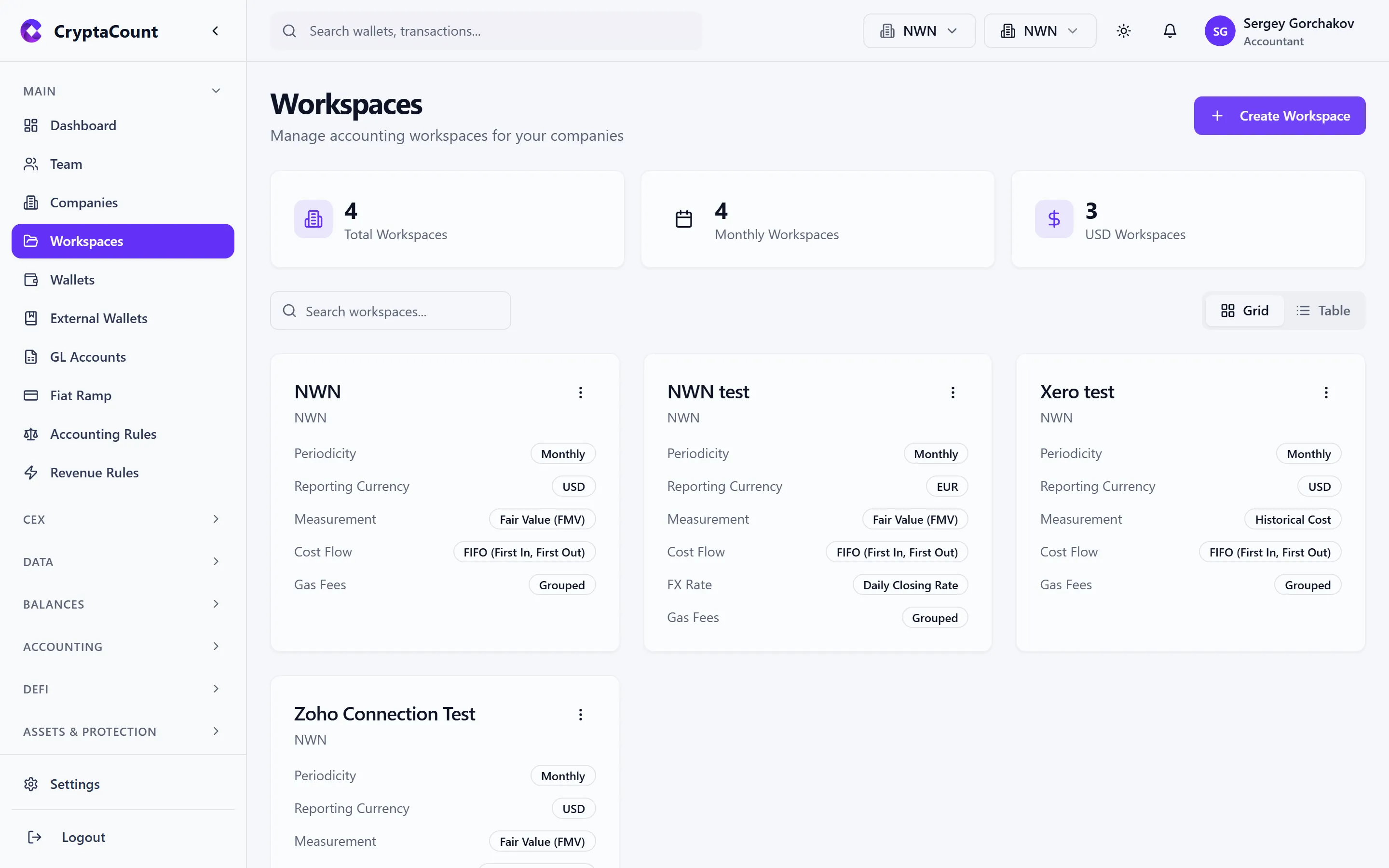
Section titled “Step 2: Create a Workspace”Navigate to Main → Workspaces in the sidebar and click Create Workspace.
The create dialog asks for:
Workspace Name — A descriptive name (e.g., “Acme Crypto Accounting”).
Company — Select which company this workspace belongs to. You must have at least one company created first.
Periodicity — Your reporting period structure (Monthly, Quarterly, or Annual).
Reporting Currency — The base currency for all reporting outputs. All fair market values and report totals are translated to this currency. Typically EUR for EU-based entities, USD for US-based entities.
Measurement Basis — How crypto assets are measured:
- Historical Cost — Assets recorded at acquisition cost (default, most common)
- Fair Value — Assets marked to market each period
Cost Flow Method — The lot-matching method for disposals:
- FIFO — First-In, First-Out (most common starting point)
- LIFO — Last-In, First-Out
- Weighted Average — Weighted average cost
NRV Write-Down — (Only with Historical Cost) Enable write-downs to net realizable value when market price falls below book value. Required for IFRS-compliant accounting.
Transaction Rate Method — (Only for non-USD currencies) How FX rates are applied when translating USD-denominated crypto prices to your reporting currency: Daily Closing, Daily Average, or Spot Rate.
Gas Fees Grouping — Toggle to group all gas fees into a single line per month for cleaner reporting.
Step 3: Invite Team Members (Optional)
Section titled “Step 3: Invite Team Members (Optional)”If you’re working with colleagues, invite them from Team in the sidebar (visible to Owners and Managers). Each workspace member gets a role:
| Role | Access Level |
|---|---|
| Owner | Full control — billing, workspace deletion, member management |
| Manager | Manage wallets, transactions, reports, and team members |
| Member | Work with transactions, reports, and assets |
| Viewer | Read-only access to all data |
Each role also has granular permissions that can be customized per user if needed.
Company-Level Accounting Defaults
Section titled “Company-Level Accounting Defaults”Your company has accounting defaults that cascade to all its workspaces. Configure these at Settings → Workspace Accounting:
- Measurement Basis
- NRV Write-Down
- Cost Flow Method
- Transaction Rate Method
- Gas Fees Grouping
You can also apply company defaults to all existing workspaces at once using the Apply to All Workspaces button on that page.